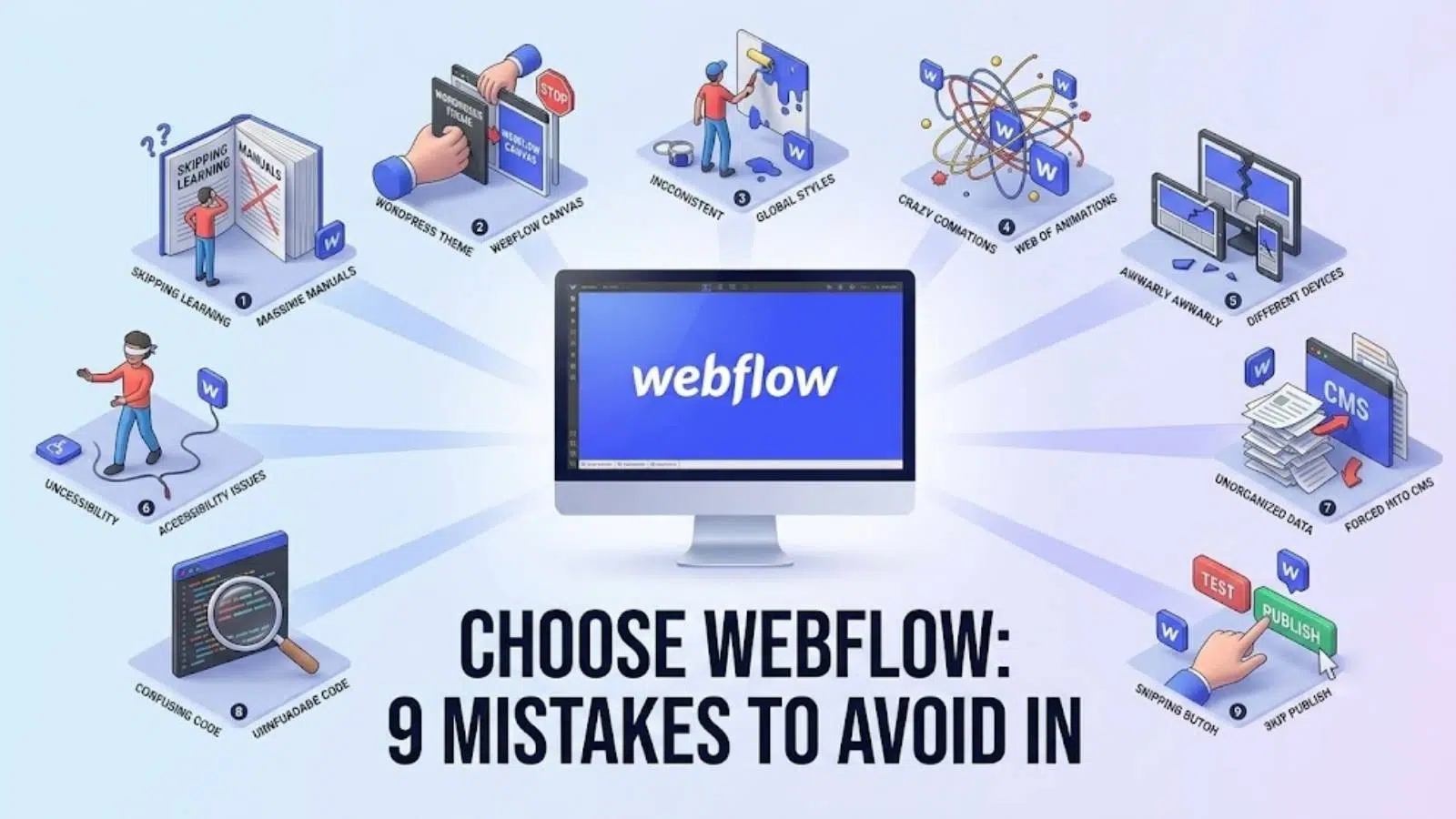
Choosing Webflow can be a game-changer for your online presence, offering unparalleled design flexibility and a powerful no-code website builder. However, like any tool, it’s easy to fall into common traps that can hinder your success. To help you navigate the process smoothly, we at SkySol Media have compiled a list of 9 critical mistakes to avoid when you choose Webflow in 2026. By understanding these pitfalls and implementing our expert solutions, you’ll be well on your way to creating a stunning, high-performing website.
1. ✅ Overlooking Project Planning Before You Choose Webflow
1.1. ❌ Mistake: Diving in Without a Solid Plan
Jumping into Webflow without a clear understanding of your website’s goals, target audience, and content requirements is a recipe for disaster. This often leads to a disorganized website, poor user experience, and wasted time. Without a roadmap, you’ll likely find yourself redesigning elements multiple times, struggling to maintain consistency, and ultimately delaying your launch date. Avoid this by taking the time to strategically plan your website before you even open Webflow.
1.2. ✅ Solution: Strategic Website Planning
Before even logging into Webflow, define your website’s purpose, target audience, key performance indicators (KPIs), and content strategy. What are you hoping to achieve with your website? Who are you trying to reach? What metrics will you use to measure success? Create a sitemap outlining the structure and navigation of your site. A well-defined sitemap ensures a logical flow and helps users easily find the information they need.
1.3. 💡 Our Pro Tip
For many of our clients here in Lahore, we’ve found that creating detailed wireframes and mockups before starting the Webflow build saves significant time and resources. Wireframes provide a skeletal outline of each page, focusing on layout and functionality. Mockups add visual elements like colors, typography, and imagery. This visual planning helps you visualize the final product and identify potential design flaws early on.
2. 🎨 Ignoring Design Principles When You Choose Webflow
2.1. ❌ Mistake: Neglecting UI/UX Best Practices
Webflow’s visual interface can be deceptive. It’s easy to create visually appealing designs that are actually poor in terms of user experience, accessibility, and overall usability. Just because something looks good doesn’t mean it functions well. Users can quickly become frustrated with a website that is difficult to navigate, confusing to use, or inaccessible to individuals with disabilities.
2.2. ✅ Solution: Embrace UI/UX Design
Learn and apply fundamental UI/UX design principles such as visual hierarchy, consistent branding, clear call-to-actions, and intuitive navigation. Visual hierarchy guides the user’s eye to the most important elements on a page. Consistent branding creates a cohesive and recognizable brand identity. Clear call-to-actions encourage users to take desired actions, such as signing up for a newsletter or making a purchase. Prioritize user needs and accessibility to create a website that is both beautiful and functional. Using Webflow design effectively means understanding UI/UX.
2.3. ➡️ Expert Quote:
> “Good design is obvious. Great design is transparent.” – Joe Sparano
3. 📱 Forgetting Mobile Responsiveness When You Choose Webflow
3.1. ❌ Mistake: Designing Primarily for Desktop
In today’s mobile-first world, neglecting mobile responsiveness is a critical error. A website that looks great on desktop but is unusable on mobile devices will alienate a significant portion of your audience. With the increasing use of smartphones and tablets, it’s essential to ensure your website adapts seamlessly to different screen sizes.
3.2. ✅ Solution: Mobile-First Approach
Design with mobile devices in mind from the outset. Use Webflow’s responsive design features to create a seamless experience across all screen sizes. Webflow makes responsive design relatively straightforward, with breakpoints that allow you to adjust the layout and styling for different devices. Regularly test your website on different devices and browsers to ensure compatibility and optimal performance.
3.3. 💡 Did you know?
Mobile devices account for approximately half of all web traffic worldwide. Neglecting mobile responsiveness can cost you a significant portion of potential customers. This means you could be missing out on a significant number of leads, sales, and brand awareness opportunities if your website isn’t optimized for mobile.
4. ⚙️ Skimping on Webflow SEO When You Choose Webflow
4.1. ❌ Mistake: Overlooking On-Page SEO
Webflow provides excellent tools for on-page SEO, but many users fail to utilize them effectively. Neglecting meta descriptions, alt text, heading tags, and URL structures can severely hinder your website’s search engine ranking. Without proper SEO, your website will be invisible to potential customers searching for your products or services online. Understanding Webflow SEO and implementing best practices is critical for driving organic traffic.
4.2. ✅ Solution: Optimize for Search Engines
Implement a comprehensive SEO strategy. Conduct keyword research to identify the terms your target audience is using to search for your products or services. Optimize meta descriptions and title tags for each page to accurately reflect the content and attract clicks from search engine results pages (SERPs). Use descriptive alt text for images to improve accessibility and provide context for search engines. Ensure your website has a clear and logical URL structure to improve crawlability and user experience.
4.3. 💡 Our Pro Tip
We always recommend #4 on this list to our clients, and one of them saw a 30% jump in engagement. By optimizing their website for relevant keywords and improving their on-page SEO elements, they were able to attract more organic traffic and increase user engagement. This demonstrates the power of Webflow SEO when implemented correctly. Webflow CMS can be set up for optimal SEO.
5. 🐌 Ignoring Website Performance When You Choose Webflow
5.1. ❌ Mistake: Loading Up on Large Media Files
Large images, videos, and other media files can significantly slow down your website’s loading speed, leading to a poor user experience and lower search engine rankings. In today’s fast-paced digital world, users expect websites to load quickly. Slow loading times can lead to frustration, higher bounce rates, and ultimately, lost conversions.
5.2. ✅ Solution: Optimize for Speed
Optimize all images and videos for web use. Compress files without sacrificing quality, use appropriate file formats (e.g., JPEG for images, MP4 for videos), and leverage Webflow’s built-in optimization features. Webflow offers tools to automatically resize and compress images, making it easy to optimize your media files for faster loading times.
5.3. 💡 Quick Tip:
Use tools like Google PageSpeed Insights to identify and address performance bottlenecks. Google PageSpeed Insights provides valuable insights into your website’s performance and offers recommendations for improvement. Addressing these recommendations can significantly improve your website’s loading speed and overall user experience.
6. 🧱 Neglecting CMS Structure When You Choose Webflow
6.1. ❌ Mistake: Poor CMS Setup
Webflow’s CMS is powerful, but without proper planning, it can become a disorganized mess. Poorly structured collections and fields can make it difficult to manage and update content. A disorganized CMS can lead to content inconsistencies, increased maintenance time, and a frustrating user experience for content editors.
6.2. ✅ Solution: Strategic CMS Planning
Carefully plan your CMS structure before adding content. Define clear collections and fields, use descriptive names, and establish consistent content guidelines. Think about the types of content you’ll be managing, the relationships between different content types, and the fields you’ll need to capture the relevant information. A well-planned CMS structure makes it easy to manage and update your content efficiently. Understanding the Webflow CMS is crucial for scalability.
6.3. ➡️ Summary of top 3 CMS considerations:
- Plan collection structure BEFORE adding content.
- Establish clear content guidelines.
- Use descriptive names for CMS items.
7. 🛡️ Overlooking Security Considerations When You Choose Webflow
7.1. ❌ Mistake: Assuming Webflow is Automatically Secure
While Webflow provides a secure platform, it’s crucial to understand and implement basic security best practices to protect your website from potential threats. No platform is completely immune to security vulnerabilities. Taking proactive steps to secure your website can help prevent data breaches, malware infections, and other security incidents.
7.2. ✅ Solution: Implement Security Best Practices
Use strong passwords, enable two-factor authentication, and regularly update your Webflow account. Strong passwords are difficult to guess and should include a combination of uppercase and lowercase letters, numbers, and symbols. Two-factor authentication adds an extra layer of security by requiring a second verification code in addition to your password. Be cautious about installing third-party integrations or plugins, as they can sometimes introduce security vulnerabilities.
7.3. 💡 Pro Tip
Educate yourself and your team about common security threats and vulnerabilities. Staying informed about the latest security risks can help you identify and prevent potential attacks. Regularly review your website’s security settings and implement any necessary updates or patches.
8. 📈 Failing to Track and Analyze Website Data After You Choose Webflow
8.1. ❌ Mistake: Not Using Analytics
Launching a website is just the beginning. Failing to track and analyze website data is a missed opportunity to understand user behavior, identify areas for improvement, and optimize your website for better results. Without data, you’re essentially flying blind, making decisions based on gut feeling rather than concrete evidence.
8.2. ✅ Solution: Integrate Analytics Tools
Integrate Google Analytics or other analytics platforms to track key metrics such as traffic, bounce rate, conversion rates, and user engagement. Google Analytics is a free and powerful tool that provides valuable insights into your website’s performance. Use this data to make informed decisions about website design and content strategy. Identify which pages are performing well and which ones need improvement. Understand how users are interacting with your website and make changes to improve their experience.
8.3. [IMAGE: Example screenshot of a Google Analytics dashboard with key website metrics highlighted]
9. 📚 Not Leveraging Webflow University When You Choose Webflow
9.1. ❌ Mistake: Ignoring Webflow’s Learning Resources
Webflow University offers a wealth of free tutorials, courses, and documentation. Ignoring these resources is like trying to build a house without blueprints. Webflow University is a valuable resource for learning the platform and staying up-to-date with the latest features and best practices.
9.2. ✅ Solution: Embrace Webflow University
Take advantage of Webflow University to learn the platform inside and out. Explore tutorials on design, development, CMS, and SEO. Stay up-to-date with the latest features and best practices. Webflow University offers courses for beginners and advanced users alike. Whether you’re just starting out or looking to expand your knowledge, you’ll find valuable resources to help you succeed. Taking advantage of Webflow tutorial offerings from Webflow University is invaluable.
9.3. [IMAGE: Screenshot of the Webflow University homepage, showcasing different learning paths and courses]
Conclusion
Choosing Webflow can unlock incredible potential for your website, but avoiding these 9 mistakes is crucial for maximizing your success. From meticulous project planning and embracing UI/UX principles to optimizing for SEO and performance, each step plays a vital role. By taking a proactive approach and leveraging the resources available, you can create a stunning, high-performing website that achieves your business goals. Here at SkySol Media, we are dedicated to helping you make the most of Webflow.
FAQ Section
Q: Is Webflow really the right choice for my website?
A: Webflow is a powerful platform suitable for a wide range of websites, from simple landing pages to complex e-commerce stores. However, it’s essential to evaluate your specific needs and technical skills before making a decision. If you’re looking for a no-code website builder with unparalleled design flexibility and a robust CMS, Webflow is definitely worth considering. However, if you require extensive custom coding or complex integrations, other platforms like WordPress might be a better fit. Consider Webflow alternatives before deciding.
Q: How much does Webflow cost?
A: Webflow pricing varies depending on your needs. They offer different plans for site hosting, e-commerce functionality, and account features. You can start with a free plan to explore the platform, but you’ll need to upgrade to a paid plan to launch your website and access advanced features. We recommend reviewing Webflow’s pricing page to compare the different plans and choose the one that best suits your budget and requirements.
Q: Can I migrate my existing website to Webflow?
A: Yes, you can migrate your existing website to Webflow, but the process can be complex depending on the size and complexity of your website. You’ll need to recreate your website’s design and content within Webflow, which can be time-consuming. There are also third-party tools and services that can help automate the migration process, but these often come with a cost.
Q: Does Webflow offer good SEO capabilities?
A: Yes, Webflow offers excellent SEO capabilities. The platform allows you to customize meta descriptions, title tags, heading tags, and URL structures, all of which are important for on-page SEO. Webflow also generates clean, semantic HTML code that is easily crawled by search engines. However, it’s important to remember that SEO is an ongoing process that requires consistent effort and optimization. Webflow SEO best practices should always be followed.
Q: Is Webflow easy to learn for beginners?
A: Webflow can have a steeper learning curve compared to some other website builders, especially if you’re not familiar with web design concepts. However, Webflow University offers a wealth of free tutorials and courses that can help you learn the platform. With dedication and practice, anyone can learn to use Webflow effectively. Webflow for beginners tutorials are abundant.
Q: What are the main differences between Webflow vs WordPress?
A: Webflow is a no-code website builder that offers unparalleled design flexibility, while WordPress is a content management system (CMS) that requires some coding knowledge for advanced customization. Webflow is generally easier to use for designers and marketers who want to create visually stunning websites without code, while WordPress is more suitable for developers and businesses that need a highly customizable and scalable platform. The choice between Webflow vs WordPress depends on your specific needs and technical skills.
Q: What is Webflow development like?
A: Webflow development involves using the platform’s visual interface to design and build websites without writing code. Webflow automatically generates clean, semantic HTML, CSS, and JavaScript code in the background. This allows you to create custom designs and interactions without needing to be a coding expert. However, Webflow also allows you to add custom code if you need to implement more advanced functionality. Webflow development empowers designers and marketers to build professional websites without relying on developers.