Why Our Web Hosting Services Are Perfect for Your Online Growth in 2025
Why Our Web Hosting Services Are Perfect for Your Online Growth in 2025: In today’s digital age, where businesses are expected to provide lightning-fast user...

Need help? Call us:
+92 320 1516585

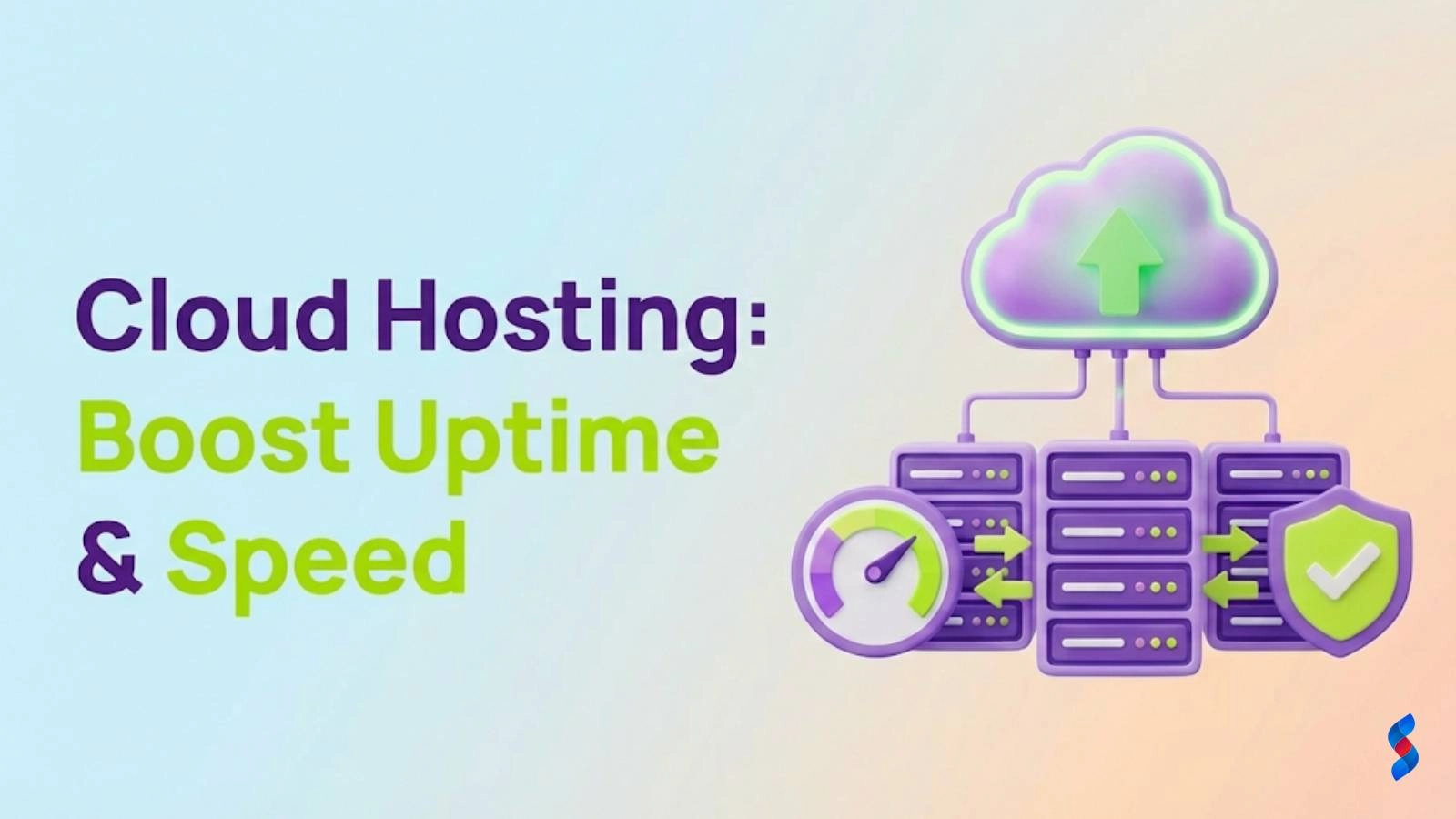
As we delve into the world of web hosting, a critical question arises: How Can Cloud Web Hosting Revolutionize Your Website’s Uptime and Performance? In today’s digital landscape, where a website’s availability and speed can make or break a business, understanding the benefits of cloud web hosting is paramount. At SkySol Media, we’ve consistently seen that adapting to cloud hosting can significantly enhance website uptime improvement and performance optimization, offering a more reliable web hosting experience. This comprehensive guide will explore the ins and outs of cloud web hosting, its benefits over traditional hosting, and how it can specifically address the needs of fast website loading, website security, scalability, and flexibility, ultimately leading to cost-effective hosting solutions.
Cloud web hosting is a form of web hosting that uses cloud computing technology, allowing businesses to host their websites on virtual servers that pull resources from a network of physical servers. This setup offers greater flexibility, scalability, and reliability compared to traditional hosting methods.
Cloud web hosting operates by distributing the load across multiple servers, reducing the risk of server overload and enhancing website uptime. It’s a service model where resources such as servers, applications, and storage are provided as a service over the internet, on-demand. The benefits of cloud hosting, including cloud hosting benefits such as improved performance, and website uptime improvement, make it an attractive choice for businesses seeking reliable web hosting for their online presence.
One of the primary advantages of cloud hosting over traditional hosting is its ability to scale. Traditional hosting often comes with fixed resources, which can lead to performance issues during traffic spikes. In contrast, cloud hosting allows for real-time scaling to meet demand, ensuring that websites remain fast and responsive. Moreover, cloud hosting offers better performance optimization, as resources can be allocated more efficiently. This directly contributes to fast website loading times and improved overall website performance.
Website uptime refers to the amount of time that a website is available and accessible to users, while performance relates to how quickly a website loads and responds to user interactions. Both are crucial for user experience and search engine rankings.
High uptime is essential for businesses as it directly affects sales, customer satisfaction, and brand reputation. A website that is frequently down can lead to lost sales and a negative perception of the brand. At SkySol Media, we’ve seen firsthand how improved website uptime can lead to significant increases in customer satisfaction and, ultimately, revenue.
Several factors can affect website performance, including server speed, bandwidth, website design, and the number of concurrent visitors. Optimizing these factors is key to achieving fast website loading times. Cloud hosting, with its scalable nature and performance optimization capabilities, is well-suited to address these challenges, ensuring reliable web hosting that supports high-performance websites.
Cloud hosting improves uptime through its inherent scalability and redundancy.
Cloud hosting allows for instant scalability, meaning that resources can be quickly adjusted to meet changing demands. This flexibility ensures that a website can handle sudden spikes in traffic without experiencing downtime, directly contributing to website uptime improvement.
Cloud hosting also offers redundancy and automatic backup systems, which protect against data loss and server failures. If one server goes down, the workload is automatically shifted to another, ensuring continuous uptime. This redundancy is a critical component of reliable web hosting, providing businesses with peace of mind and minimizing the risk of extended downtime.
Cloud hosting not only improves uptime but also enhances website performance through content delivery networks (CDNs) and optimized server locations.
CDNs cache website content across different geographic locations, reducing the distance between users and website resources. This results in faster load times, as users can access content from a server closer to them, addressing the need for fast website loading.
Cloud hosting providers often have data centers in multiple locations worldwide. By hosting a website in a data center closer to the target audience, latency can be significantly reduced, leading to improved performance and faster website loading times.
Security is a top priority for any website, and cloud hosting offers several security benefits.
Websites are constantly under threat from hacking, malware, and DDoS attacks. Traditional hosting solutions can be vulnerable to these threats, especially if the hosting provider does not maintain high security standards.
Cloud hosting providers typically offer robust security features, including firewalls, intrusion detection, and encryption. Moreover, the scalable nature of cloud hosting allows for easier implementation of security updates and patches, ensuring that websites are protected against the latest threats. This emphasis on website security further enhances the reliability of cloud web hosting, making it a preferred choice for businesses seeking secure and reliable web hosting solutions.
Despite its advanced features, cloud hosting can be more cost-effective than traditional hosting solutions.
Cloud hosting pricing models are often based on actual usage, which means businesses only pay for the resources they use. This pay-as-you-go model can be more economical than traditional hosting plans, where businesses pay a fixed fee regardless of their resource usage.
In the long term, cloud hosting can lead to significant savings, as businesses avoid the capital expenditures associated with purchasing and maintaining their own servers. Additionally, the scalability of cloud hosting means that businesses can quickly adjust their resources to meet changing demands, avoiding unnecessary costs and supporting cost-effective hosting.
Several businesses have successfully migrated to cloud hosting, experiencing improved uptime, performance, and cost savings.
For instance, a company that migrated its e-commerce platform to cloud hosting saw a 99.99% uptime and a 30% improvement in website loading times. This not only enhanced the user experience but also led to an increase in sales and customer satisfaction.
Another company reported a 40% reduction in hosting costs after moving to cloud hosting, along with a significant decrease in the time spent on server management and maintenance. This allowed the company to focus more on its core business activities, leading to efficiency gains and further growth.
With so many cloud hosting providers available, choosing the right one can be challenging.
When selecting a cloud hosting provider, look for features such as scalability, redundancy, security, and performance optimization. It’s also crucial to evaluate the provider’s customer support and reliability, as these factors directly impact the quality of the hosting service and the overall reliability of web hosting.
At SkySol Media, we recommend evaluating a provider’s reliability by checking their uptime guarantees, reading reviews, and asking about their support services. A reliable provider should offer 24/7 support, comprehensive documentation, and a responsive community forum. This level of support is essential for minimizing downtime and ensuring that any issues are resolved quickly, further emphasizing the importance of reliable web hosting.
Implementing cloud web hosting involves several steps, including migration from traditional hosting, setting up, and configuring the cloud hosting environment.
The migration process typically starts with assessing the current hosting setup and identifying the resources needed for cloud hosting. This is followed by setting up the cloud hosting environment, transferring data, and configuring the necessary settings.
Setting up cloud hosting involves creating a cloud account, selecting the appropriate plan, and configuring the server settings. It’s also essential to set up security features, such as firewalls and backups, to protect the website from potential threats and ensure website security.
Once the cloud hosting is set up, ongoing monitoring and maintenance are crucial to ensure optimal performance and uptime.
There are various tools available for monitoring website uptime and performance, including Pingdom, Uptime Robot, and GTmetrix. These tools provide insights into website loading times, downtime, and other performance metrics, helping businesses to identify areas for improvement and optimize their cloud hosting setup for fast website loading and reliable web hosting.
Best practices for maintenance include regular software updates, security audits, and performance optimization. It’s also important to regularly backup website data to prevent loss in case of a disaster. By following these best practices, businesses can ensure their cloud hosting environment remains secure, efficient, and always available, supporting the goal of reliable web hosting and website uptime improvement.
In conclusion, cloud web hosting offers a plethora of benefits, from improved uptime and performance to enhanced security and scalability. By understanding how cloud hosting works and what features to look for in a provider, businesses can make an informed decision about their web hosting needs. At SkySol Media, we believe that migrating to cloud hosting can revolutionize a website’s uptime and performance, leading to increased customer satisfaction, improved search engine rankings, and ultimately, greater business success. With its cost-effective hosting models, cloud server hosting provides a flexible and reliable solution for businesses of all sizes. Whether you’re looking to enhance your website’s uptime, security, or performance, cloud web hosting is the way forward.
1. What is cloud web hosting?
– Cloud web hosting is a type of web hosting that uses cloud computing technology to host websites on virtual servers.
2. How does cloud hosting improve website uptime?
– Cloud hosting improves uptime through scalability, redundancy, and automatic backup systems.
3. What are the benefits of cloud hosting over traditional hosting?
– Cloud hosting offers better scalability, performance, security, and cost-effectiveness compared to traditional hosting.
4. How do I choose the right cloud hosting provider?
– Look for features like scalability, redundancy, security, and performance optimization, and evaluate the provider’s reliability and support.
5. Is cloud hosting secure?
– Yes, cloud hosting is secure, offering robust security features such as firewalls, intrusion detection, and encryption.
For more information on cloud web hosting and its benefits, we recommend exploring the following resources:
Don’t forget to share it

We’ll Design & Develop a Professional Website Tailored to Your Brand
Enjoy this post? Join our newsletter
Newsletter
Related Articles

Why Our Web Hosting Services Are Perfect for Your Online Growth in 2025

The Ultimate Guide to Choosing Our Reliable Web Hosting Plans

Top 10 Reasons to Switch to Our Web Hosting Services Today
Slow Web Hosting: The Ultimate Guide to Fix It in 2025
Shared Hosting Questions: Ultimate Guide for 2025 with Amazing Insights
Web Host SEO: The Ultimate Guide to Avoid Negative Impact in 2025
SkySol Media
We firmly believe that the internet should be available and accessible to anyone, and are committed to providing a website that is accessible to the widest possible audience, regardless of circumstance and ability.
To fulfill this, we aim to adhere as strictly as possible to the World Wide Web Consortium’s (W3C) Web Content Accessibility Guidelines 2.1 (WCAG 2.1) at the AA level. These guidelines explain how to make web content accessible to people with a wide array of disabilities. Complying with those guidelines helps us ensure that the website is accessible to all people: blind people, people with motor impairments, visual impairment, cognitive disabilities, and more.
This website utilizes various technologies that are meant to make it as accessible as possible at all times. We utilize an accessibility interface that allows persons with specific disabilities to adjust the website’s UI (user interface) and design it to their personal needs.
Additionally, the website utilizes an AI-based application that runs in the background and optimizes its accessibility level constantly. This application remediates the website’s HTML, adapts Its functionality and behavior for screen-readers used by the blind users, and for keyboard functions used by individuals with motor impairments.
If you’ve found a malfunction or have ideas for improvement, we’ll be happy to hear from you. You can reach out to the website’s operators by using the following email
Our website implements the ARIA attributes (Accessible Rich Internet Applications) technique, alongside various different behavioral changes, to ensure blind users visiting with screen-readers are able to read, comprehend, and enjoy the website’s functions. As soon as a user with a screen-reader enters your site, they immediately receive a prompt to enter the Screen-Reader Profile so they can browse and operate your site effectively. Here’s how our website covers some of the most important screen-reader requirements, alongside console screenshots of code examples:
Screen-reader optimization: we run a background process that learns the website’s components from top to bottom, to ensure ongoing compliance even when updating the website. In this process, we provide screen-readers with meaningful data using the ARIA set of attributes. For example, we provide accurate form labels; descriptions for actionable icons (social media icons, search icons, cart icons, etc.); validation guidance for form inputs; element roles such as buttons, menus, modal dialogues (popups), and others. Additionally, the background process scans all the website’s images and provides an accurate and meaningful image-object-recognition-based description as an ALT (alternate text) tag for images that are not described. It will also extract texts that are embedded within the image, using an OCR (optical character recognition) technology. To turn on screen-reader adjustments at any time, users need only to press the Alt+1 keyboard combination. Screen-reader users also get automatic announcements to turn the Screen-reader mode on as soon as they enter the website.
These adjustments are compatible with all popular screen readers, including JAWS and NVDA.
Keyboard navigation optimization: The background process also adjusts the website’s HTML, and adds various behaviors using JavaScript code to make the website operable by the keyboard. This includes the ability to navigate the website using the Tab and Shift+Tab keys, operate dropdowns with the arrow keys, close them with Esc, trigger buttons and links using the Enter key, navigate between radio and checkbox elements using the arrow keys, and fill them in with the Spacebar or Enter key.Additionally, keyboard users will find quick-navigation and content-skip menus, available at any time by clicking Alt+1, or as the first elements of the site while navigating with the keyboard. The background process also handles triggered popups by moving the keyboard focus towards them as soon as they appear, and not allow the focus drift outside it.
Users can also use shortcuts such as “M” (menus), “H” (headings), “F” (forms), “B” (buttons), and “G” (graphics) to jump to specific elements.
We aim to support the widest array of browsers and assistive technologies as possible, so our users can choose the best fitting tools for them, with as few limitations as possible. Therefore, we have worked very hard to be able to support all major systems that comprise over 95% of the user market share including Google Chrome, Mozilla Firefox, Apple Safari, Opera and Microsoft Edge, JAWS and NVDA (screen readers).
Despite our very best efforts to allow anybody to adjust the website to their needs. There may still be pages or sections that are not fully accessible, are in the process of becoming accessible, or are lacking an adequate technological solution to make them accessible. Still, we are continually improving our accessibility, adding, updating and improving its options and features, and developing and adopting new technologies. All this is meant to reach the optimal level of accessibility, following technological advancements. For any assistance, please reach out to