Introduction: ERP vs CRM – Spotting the Crucial Difference
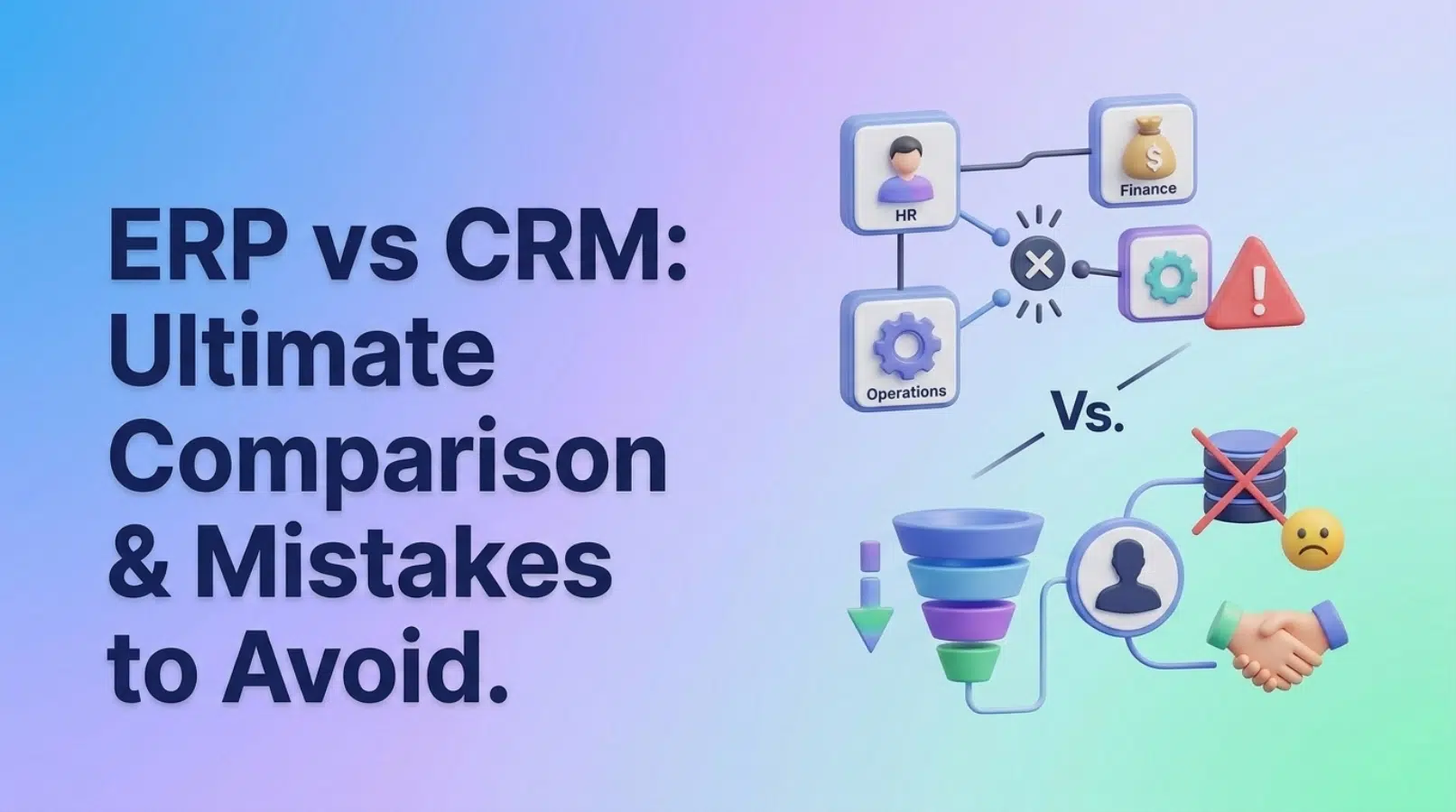
ERP (Enterprise Resource Planning) and CRM (Customer Relationship Management) are two critical types of business software, each designed to address different aspects of an organization. ERP systems focus on internal operations, such as finance, manufacturing, and supply chain management, while CRM systems focus on managing interactions with customers and prospects, including sales, marketing, and customer service. The line between these two can often blur, leading to confusion.
Many businesses mistakenly believe that ERP vs CRM systems are interchangeable, but this is far from the truth. Choosing the wrong system, or implementing them in the wrong order, can lead to costly mistakes and inefficiencies. This article aims to guide you in making an informed decision about whether to prioritize ERP implementation or CRM implementation, or how to best integrate both into your business strategy. We at SkySol Media have seen many businesses struggle to understand the crucial differences between ERP vs CRM, and this guide is designed to help you avoid common pitfalls. For many of our clients here in Lahore, we’ve observed that a clear understanding of business needs is the foundation of success.
Mistake #1: Thinking They’re Interchangeable
One of the biggest mistakes businesses make is thinking that ERP and CRM are interchangeable. While both systems are vital for business success, they serve different functions and cater to different needs. Trying to use one in place of the other will inevitably lead to inefficiencies and missed opportunities.
ERP systems are designed to manage a company’s internal operations and resources. They provide a centralized platform for managing finances, supply chain, inventory, human resources, and other core business processes. The goal of Enterprise Resource Planning is to streamline operations, improve efficiency, and provide a single source of truth for all internal data. CRM, on the other hand, is all about managing customer relationships and interactions. It helps businesses track leads, manage sales pipelines, provide customer support, and personalize marketing campaigns. The focus of Customer Relationship Management is on improving customer satisfaction, increasing sales, and building long-term relationships.
To illustrate the different functions, consider these examples. An ERP system might be used to manage inventory levels, track production costs, and generate financial reports. In contrast, a CRM system might be used to track customer interactions, manage sales leads, and send targeted marketing emails. We once worked with a client who thought their robust Enterprise Resource Planning system could handle all their customer interaction needs. They quickly realized the lack of specialized features for managing sales and marketing campaigns led to missed opportunities and strained customer relationships. They found that integrating a CRM solution alongside their ERP system was better for their specific workflow because it improved their ability to personalize customer interactions and track sales performance.
Mistake #2: Not Defining Your Business Needs Clearly
Before even considering either system, defining your specific business requirements is of utmost importance. Without a clear understanding of your needs, you risk choosing a system that doesn’t align with your goals, leading to wasted investment and frustration.
A lack of clarity often results in a mismatch between the chosen system and the actual business requirements. This can lead to inefficiencies, workarounds, and ultimately, a failure to achieve the desired benefits. The software selection process must be aligned to specific business needs. To effectively define your core business needs, consider the following steps:
- Assess current challenges and pain points: Identify the areas where your business is struggling. Are you having trouble managing inventory? Are sales leads falling through the cracks? Are you struggling to provide timely customer support? Understanding these pain points will help you prioritize the features and functionalities you need in a new system.
- Define key performance indicators (KPIs): Determine the metrics that are most important for measuring your business success. Do you want to increase sales revenue? Improve customer retention rates? Reduce operational costs? Defining your KPIs will help you evaluate the effectiveness of different systems and track your progress after implementation.
- Map out business processes: Document your existing business processes, from order fulfillment to customer onboarding. This will help you identify areas where automation and streamlining can improve efficiency. Understanding your business processes will also help you determine how well a particular system will fit into your existing workflow.
“The biggest mistake businesses make when choosing between ERP and CRM is failing to define their specific business needs upfront. Without a clear understanding of your requirements, you’re essentially flying blind.” – Sarah Jones, Business Technology Consultant
Mistake #3: Ignoring Integration Capabilities
System integration is a critical aspect of any ERP or CRM implementation. Ignoring the need for integration can lead to siloed systems, data inconsistencies, and ultimately, a failure to achieve a holistic view of your business.
Siloed systems create information gaps, making it difficult to gain a comprehensive understanding of your business performance. For example, if your sales data is stored in your CRM system and your inventory data is stored in your ERP system, it can be challenging to understand how sales performance is affecting inventory levels.
Integration, on the other hand, enables a seamless flow of information between different systems. This provides a unified view of your business, allowing you to make more informed decisions and improve overall efficiency. Imagine being able to see how a specific marketing campaign is impacting sales and inventory levels in real-time. This level of insight is only possible with proper integration. Here are some common integration scenarios:
- Integrating CRM sales data with ERP inventory management: This allows you to automatically update inventory levels based on sales orders, ensuring you always have the right amount of stock on hand.
- Linking CRM marketing campaigns with ERP financial reporting: This allows you to track the ROI of your marketing campaigns and understand how they are impacting your bottom line.
Mistake #4: Focusing Solely on Price
While budget is always a consideration, focusing solely on price when choosing between ERP and CRM can be a costly mistake. The cheapest option isn’t always the best, and you may end up paying more in the long run if you choose a system that doesn’t meet your needs or is difficult to use.
There are many hidden costs to consider beyond the initial price of the software. These include:
- Implementation costs: This includes the cost of setting up the system, migrating data, and customizing it to your specific needs.
- Training costs: This includes the cost of training your employees on how to use the system.
- Maintenance costs: This includes the cost of ongoing support, updates, and maintenance.
Investing in a scalable and robust solution is often the better choice, even if it costs more upfront. A system that can grow with your business and provide the functionality you need will save you time and money in the long run. Think of it as an investment in your future, rather than simply an expense. We once worked with a client who initially chose a cheaper CRM system. However, they quickly realized that it lacked the necessary features and scalability to support their growing business. They ended up switching to a more robust solution, which ultimately cost them more than if they had chosen the right system from the start.
Mistake #5: Overlooking the User Experience
The user experience is a critical factor that is often overlooked when choosing business software, whether it is ERP or CRM. A user-friendly interface can significantly impact adoption rates, productivity, and overall satisfaction with the system.
A poor user experience can lead to low adoption rates, as employees may be reluctant to use a system that is difficult or frustrating to navigate. This can decrease productivity, as employees spend more time trying to figure out the system and less time focusing on their core tasks. Here are some tips for evaluating user experience:
- Request a demo: Get a hands-on demonstration of the system to see how it works and how easy it is to use.
- Read user reviews: See what other users are saying about the system’s user experience.
- Consider the learning curve: How long will it take your employees to learn how to use the system effectively?
[IMAGE: A screenshot of a user-friendly CRM interface with clear navigation and intuitive features]
Mistake #6: Neglecting Training and Support
Adequate training and ongoing support are critical for the successful implementation and adoption of any ERP or CRM system. Neglecting these aspects can lead to inefficient use of the system, errors, and frustration among employees.
Inadequate training can result in employees not fully understanding how to use the system, leading to errors, inaccuracies, and inefficient workflows. It’s crucial to ensure that your team is well-equipped to leverage the system’s full potential. The consequences of inadequate training can be severe:
- Inefficient use of the system: Employees may only use a small fraction of the system’s features, missing out on valuable functionality.
- Errors and inaccuracies: Lack of understanding can lead to mistakes in data entry and reporting.
- Frustration among employees: A difficult-to-use system can frustrate employees and decrease their job satisfaction.
Before making a decision, ask vendors about their training and support options. Do they offer on-site training, online tutorials, or dedicated support staff? Make sure the training is tailored to your specific needs and that ongoing support is readily available.
Mistake #7: Choosing Based on Industry Hype
It’s a common mistake to choose an ERP or CRM system simply because it’s the latest trend or the most popular option in your industry. While it’s good to be aware of industry best practices, it’s crucial to evaluate solutions based on your specific business context and requirements.
Every business is unique, with its own processes, challenges, and goals. What works for one company may not work for another. Therefore, blindly following trends without considering your specific needs can lead to a mismatch between the system and your business requirements.
Tailoring the system to your unique requirements is essential. This may involve customizing the system’s features, integrating it with other applications, or developing custom reports. The risks of implementing a system just because it’s “popular” are significant. You may end up paying for features you don’t need, struggling with a system that doesn’t fit your workflow, and ultimately, failing to achieve the desired benefits.
ERP First: When Internal Efficiency Is Paramount
In certain situations, implementing ERP first is the more strategic choice. This approach prioritizes internal efficiency, streamlined operations, and accurate financial data.
Implementing ERP first is often the better choice when streamlining operations is a top priority. This can help you reduce costs, improve efficiency, and gain a competitive advantage. Effective management of inventory and supply chain is critical for many businesses, particularly those in manufacturing and distribution. ERP systems provide the tools you need to track inventory levels, manage orders, and optimize your supply chain. Having accurate financial data is essential for making informed business decisions. ERP systems provide a centralized platform for managing finances, generating reports, and tracking key performance indicators. Examples of industries that often benefit from ERP first include manufacturing, distribution, and logistics.
[IMAGE: A diagram illustrating the flow of data and processes within an ERP system, highlighting key modules like finance, manufacturing, and supply chain]
CRM First: When Customer Relationships Drive Revenue
Conversely, implementing CRM first is the preferred approach when customer relationships are the primary driver of revenue and growth. This focuses on improving customer acquisition, retention, and satisfaction.
Improving customer acquisition and retention is key to growing your business. CRM systems provide the tools you need to track leads, manage sales pipelines, and personalize customer interactions. Personalizing customer interactions is vital for building strong relationships with your customers. CRM systems allow you to track customer preferences, personalize marketing messages, and provide tailored support. Effectively managing sales pipelines is crucial for increasing revenue. CRM systems provide the tools you need to track leads, manage opportunities, and forecast sales. Examples of industries that often benefit from CRM first include retail, services, and technology.
The Hybrid Approach: A Phased Implementation
Another viable strategy is a phased approach, implementing basic modules of both ERP and CRM initially and gradually expanding functionality as needed. This allows you to address your most pressing needs while minimizing risk and disruption.
The hybrid approach allows you to implement the most critical modules of both systems upfront. This can help you address your immediate needs while laying the foundation for future growth. As your business evolves, you can gradually expand the functionality of both systems, adding new modules and features as needed.
This approach offers several benefits. It allows you to spread the cost of implementation over time, minimize disruption to your existing operations, and adapt to changing business needs. However, it also presents some challenges. It requires careful planning and coordination to ensure that the two systems are properly integrated and that data is shared seamlessly. Also, you must have a clear understanding of what “basic modules” really means to your company. A good plan is to ask questions like, “What are we hoping to achieve in the next 6-12 months with this new software?” We once helped a client transition to new business software using the phased approach. We found that the client could quickly see the value of their new ERP and CRM, but it was important to train staff on new features incrementally.
Conclusion: Final Verdict – Which Should You Choose First?
Deciding between ERP vs CRM implementation is a critical decision that can significantly impact your business. After carefully considering the key aspects – understanding the differences, defining needs, ensuring integration, evaluating costs and user experience, and considering training – the path forward becomes clearer.
If internal operational efficiency and streamlined processes are your top priority, particularly in industries like manufacturing or distribution, starting with ERP is the logical choice. On the other hand, if customer relationships and sales growth are paramount, especially in retail or service-based businesses, CRM should take precedence. The hybrid approach, a phased implementation of both, offers a balanced solution that can be tailored to your specific needs and budget.
Ultimately, the best approach depends on your unique business needs and priorities. By avoiding common mistakes and carefully evaluating your options, you can make the right choice and reap the long-term benefits of a well-implemented ERP or CRM system. We at SkySol Media are committed to helping you navigate this complex decision and ensure your business thrives.
FAQ Section
Q: What is the difference between ERP and CRM?
A: ERP (Enterprise Resource Planning) focuses on internal business operations, such as finance, manufacturing, and supply chain management. CRM (Customer Relationship Management) focuses on managing customer interactions, including sales, marketing, and customer service.
Q: Can ERP and CRM systems be integrated?
A: Yes, ERP and CRM systems can be integrated to provide a holistic view of the business. Integration allows for seamless data flow between systems, improving efficiency and decision-making.
Q: What are the benefits of integrating ERP and CRM?
A: Integration provides a unified view of your business, allowing you to make more informed decisions, improve efficiency, and enhance customer satisfaction.
Q: How do I choose the right ERP or CRM system for my business?
A: Start by defining your specific business needs and requirements. Then, evaluate different systems based on their features, functionality, user experience, and integration capabilities. Don’t forget to consider the total cost of ownership, including implementation, training, and maintenance.
Q: What is the best approach: ERP first, CRM first, or a hybrid approach?
A: The best approach depends on your unique business needs and priorities. If internal efficiency is your top priority, start with ERP. If customer relationships are paramount, start with CRM. A hybrid approach may be suitable if you want to address both areas simultaneously.
Q: What are the common mistakes to avoid when choosing between ERP and CRM?
A: Common mistakes include thinking ERP and CRM are interchangeable, not defining business needs clearly, ignoring integration capabilities, focusing solely on price, overlooking user experience, neglecting training and support, and choosing based on industry hype.