How to Choose the Right Digital Product to Sell on Your Blog
Digital Product to Sell on Your Blog: With digital product sales expected to cross $500 billion globally by 2026, bloggers have a golden opportunity to…
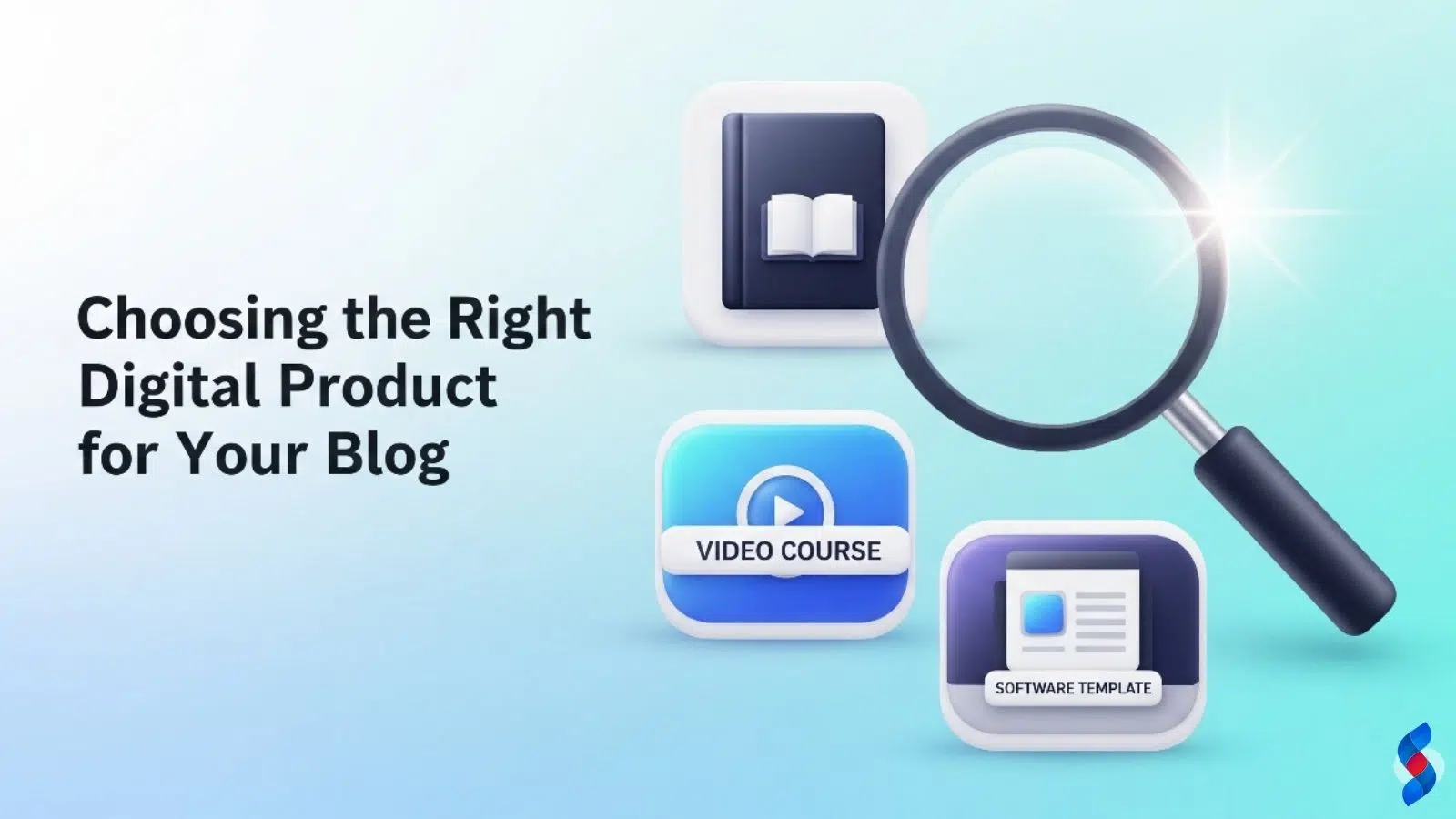
Digital Product to Sell on Your Blog: With digital product sales expected to cross $500 billion globally by 2026, bloggers have a golden opportunity to tap into this growing market. But here’s the challenge: Which digital product should you sell on your blog?
At SkySol Media, we guide bloggers and digital entrepreneurs through the process of creating and selling the right digital products—those that deliver real value, build trust, and generate consistent revenue.
In this guide, we’ll help you identify the perfect digital product for your niche, audience, and content strategy in 2025–26.
What Is a Digital Product?
A digital product is any value-based item that is created and delivered online. It doesn’t require inventory, shipping, or physical storage. Once made, it can be sold an unlimited number of times—making it scalable, passive, and cost-effective.
Your blog isn’t just a content platform—it’s a trust-building machine. Once you establish authority in a niche, your audience is more likely to buy from you.
Here’s why digital products are the perfect monetization model for bloggers in 2025–26:
High-profit margins (you keep most of the earnings)
No physical inventory or shipping
Works passively once set up
Builds brand authority and community
Step-by-Step: How to Choose the Right Digital Product
Let’s walk through a responsible, data-driven framework to select your perfect product.
Step 1: Understand Your Audience Deeply
You can’t sell something valuable until you know what your readers are struggling with.
Ask yourself:
Who is my ideal reader?
What goals are they trying to achieve?
What are their biggest pain points?
What skills or tools are they looking for?
Tools to Use:
Google Analytics (user behavior)
Surveys (via Typeform or Google Forms)
Email replies and blog comments
Social media polls (Instagram, LinkedIn, etc.)
Ubersuggest and AnswerThePublic (keyword intent)
Step 2: Align With Your Blog’s Niche
The best digital product matches the topic and tone of your blog. If you blog about minimalist living, an Excel budget tracker or decluttering guide makes sense. A travel blogger might offer itinerary templates or photography presets.
Examples of Niche & Product Fit:
Finance Blog → Budget spreadsheets or financial eBooks
Fitness Blog → Workout planners, meal plans
Parenting Blog → Printable chore charts or homeschooling kits
Tech Blog → Coding templates or automation scripts
Career Blog → Resume templates or LinkedIn optimization guides
Step 3: Evaluate Your Skills and Time
Your product should match what you’re good at—and what you can realistically create and support.
Ask yourself:
What do people already ask me for help with?
What have I successfully done or built myself?
Do I enjoy teaching, designing, writing, or coding?
If you hate creating videos, an online course may not be your best first product. But if you love writing, an eBook could be perfect.
Step 4: Research Market Demand
Before you build, validate. Make sure people are actively searching for or buying similar products.
Tools for Validation:
Google Trends – See if your topic is rising or falling
Amazon Kindle Store – Research top-selling eBooks
Etsy – Find printable/digital product ideas
Gumroad / Creative Market / AppSumo – See what’s trending
Keyword Tools – Ubersuggest, Ahrefs, or Google Keyword Planner
Step 5: Start Small With a Minimum Viable Product (MVP)
Don’t overbuild. Instead, start with a “minimum viable product”—a simple, functional version that solves a core problem.
Examples of MVPs:
A 10-page eBook instead of 100 pages
A 5-day email course before creating a full video course
A single template instead of a full bundle
A “starter kit” printable for your niche
How to Choose the Right Digital Product to Sell on Your Blog
5 Digital Product Ideas for Bloggers (2025–26)
Here are 5 product ideas that work well across multiple blog types:
1. eBooks
Ideal for bloggers with in-depth expertise or storytelling skills. You can publish on your own site or through Amazon KDP.
Example: “30-Day Productivity Challenge for Creators”
2. Digital Planners & Printables
Best for lifestyle, parenting, wellness, or education bloggers. Easy to design using Canva.
Example: “Weekly Meal Planner for Busy Moms”
3. Online Mini-Courses
Short, targeted video or email-based courses can build trust fast.
Example: “How to Land Your First Freelance Writing Client in 7 Days”
4. Templates & Toolkits
Great for business, marketing, or tech bloggers. Offer editable Notion, Excel, or Canva files.
Example: “Notion Productivity Hub for Freelancers”
5. Membership Site or Resource Library
Offer exclusive monthly content, Q&A sessions, or community access.
Example: “Monthly Business Growth Vault for Solopreneurs”
Platform Recommendations
You can host your digital products using:
Type of Product
Recommended Platform
eBooks/Printables
Gumroad, Payhip, Etsy
Courses
Teachable, Thinkific, Podia
Membership Sites
Kajabi, MemberPress, Substack
Templates
Creative Market, Shopify
All-in-One
WordPress + WooCommerce
Final Thoughts: Focus on Real Impact
Creating and selling the right digital product isn’t just about income—it’s about impact and credibility. When your product solves a real problem, your blog becomes more than content—it becomes a trusted solution hub.
At SkySol Media, we believe the future of blogging lies in authentic content and product alignment.
How SkySol Media Helps Brands Grow with Full-Stack Digital Marketing: In today’s fast-paced digital economy, businesses are constantly searching for smarter, more comprehensive ways to...
Why Your Business Needs a Full-Stack Digital Marketing Agency in 2025–26: In today’s ever-evolving digital world, businesses are no longer simply competing for market share—they’re...
Discover how to skyrocket your digital marketing efforts with WordPress marketing plugins. We reveal the top 5 proven strategies to boost engagement, leads, and conversions using the power of WordPress plugins in 2025.
Unlock the potential of WordPress to revolutionize your digital marketing ROI. Discover actionable strategies, from SEO optimization to content marketing, to maximize your returns and achieve sustainable growth. Learn how to leverage the power of WordPress effectively.
Discover the best marketing automation plugins for WordPress in 2025. Streamline your marketing efforts, boost engagement, and drive conversions with these powerful tools. Find the perfect plugin to automate your workflows and grow your business.
Discover the best WordPress themes for digital marketing success in 2025. This guide highlights top themes tailored for SEO, lead generation, and conversion, ensuring your online presence drives results. Choose the perfect theme to amplify your digital marketing efforts!
This mode enables people with epilepsy to use the website safely by eliminating the risk of seizures that result from flashing or blinking animations and risky color combinations.
Visually Impaired Mode
Improves website's visuals
This mode adjusts the website for the convenience of users with visual impairments such as Degrading Eyesight, Tunnel Vision, Cataract, Glaucoma, and others.
Cognitive Disability Mode
Helps to focus on specific content
This mode provides different assistive options to help users with cognitive impairments such as Dyslexia, Autism, CVA, and others, to focus on the essential elements of the website more easily.
ADHD Friendly Mode
Reduces distractions and improve focus
This mode helps users with ADHD and Neurodevelopmental disorders to read, browse, and focus on the main website elements more easily while significantly reducing distractions.
Blindness Mode
Allows using the site with your screen-reader
This mode configures the website to be compatible with screen-readers such as JAWS, NVDA, VoiceOver, and TalkBack. A screen-reader is software for blind users that is installed on a computer and smartphone, and websites must be compatible with it.
Online Dictionary
Readable Experience
Content Scaling
Default
Text Magnifier
Readable Font
Dyslexia Friendly
Highlight Titles
Highlight Links
Font Sizing
Default
Line Height
Default
Letter Spacing
Default
Left Aligned
Center Aligned
Right Aligned
Visually Pleasing Experience
Dark Contrast
Light Contrast
Monochrome
High Contrast
High Saturation
Low Saturation
Adjust Text Colors
Adjust Title Colors
Adjust Background Colors
Easy Orientation
Mute Sounds
Hide Images
Hide Emoji
Reading Guide
Stop Animations
Reading Mask
Highlight Hover
Highlight Focus
Big Dark Cursor
Big Light Cursor
Cognitive Reading
Virtual Keyboard
Navigation Keys
Voice Navigation
Accessibility Statement
skysolmedia.com
October 25, 2026
Compliance status
We firmly believe that the internet should be available and accessible to anyone, and are committed to providing a website that is accessible to the widest possible audience,
regardless of circumstance and ability.
To fulfill this, we aim to adhere as strictly as possible to the World Wide Web Consortium’s (W3C) Web Content Accessibility Guidelines 2.1 (WCAG 2.1) at the AA level.
These guidelines explain how to make web content accessible to people with a wide array of disabilities. Complying with those guidelines helps us ensure that the website is accessible
to all people: blind people, people with motor impairments, visual impairment, cognitive disabilities, and more.
This website utilizes various technologies that are meant to make it as accessible as possible at all times. We utilize an accessibility interface that allows persons with specific
disabilities to adjust the website’s UI (user interface) and design it to their personal needs.
Additionally, the website utilizes an AI-based application that runs in the background and optimizes its accessibility level constantly. This application remediates the website’s HTML,
adapts Its functionality and behavior for screen-readers used by the blind users, and for keyboard functions used by individuals with motor impairments.
If you’ve found a malfunction or have ideas for improvement, we’ll be happy to hear from you. You can reach out to the website’s operators by using the following email
Screen-reader and keyboard navigation
Our website implements the ARIA attributes (Accessible Rich Internet Applications) technique, alongside various different behavioral changes, to ensure blind users visiting with
screen-readers are able to read, comprehend, and enjoy the website’s functions. As soon as a user with a screen-reader enters your site, they immediately receive
a prompt to enter the Screen-Reader Profile so they can browse and operate your site effectively. Here’s how our website covers some of the most important screen-reader requirements,
alongside console screenshots of code examples:
Screen-reader optimization: we run a background process that learns the website’s components from top to bottom, to ensure ongoing compliance even when updating the website.
In this process, we provide screen-readers with meaningful data using the ARIA set of attributes. For example, we provide accurate form labels;
descriptions for actionable icons (social media icons, search icons, cart icons, etc.); validation guidance for form inputs; element roles such as buttons, menus, modal dialogues (popups),
and others. Additionally, the background process scans all the website’s images and provides an accurate and meaningful image-object-recognition-based description as an ALT (alternate text) tag
for images that are not described. It will also extract texts that are embedded within the image, using an OCR (optical character recognition) technology.
To turn on screen-reader adjustments at any time, users need only to press the Alt+1 keyboard combination. Screen-reader users also get automatic announcements to turn the Screen-reader mode on
as soon as they enter the website.
These adjustments are compatible with all popular screen readers, including JAWS and NVDA.
Keyboard navigation optimization: The background process also adjusts the website’s HTML, and adds various behaviors using JavaScript code to make the website operable by the keyboard. This includes the ability to navigate the website using the Tab and Shift+Tab keys, operate dropdowns with the arrow keys, close them with Esc, trigger buttons and links using the Enter key, navigate between radio and checkbox elements using the arrow keys, and fill them in with the Spacebar or Enter key.Additionally, keyboard users will find quick-navigation and content-skip menus, available at any time by clicking Alt+1, or as the first elements of the site while navigating with the keyboard. The background process also handles triggered popups by moving the keyboard focus towards them as soon as they appear, and not allow the focus drift outside it.
Users can also use shortcuts such as “M” (menus), “H” (headings), “F” (forms), “B” (buttons), and “G” (graphics) to jump to specific elements.
Disability profiles supported in our website
Epilepsy Safe Mode: this profile enables people with epilepsy to use the website safely by eliminating the risk of seizures that result from flashing or blinking animations and risky color combinations.
Visually Impaired Mode: this mode adjusts the website for the convenience of users with visual impairments such as Degrading Eyesight, Tunnel Vision, Cataract, Glaucoma, and others.
Cognitive Disability Mode: this mode provides different assistive options to help users with cognitive impairments such as Dyslexia, Autism, CVA, and others, to focus on the essential elements of the website more easily.
ADHD Friendly Mode: this mode helps users with ADHD and Neurodevelopmental disorders to read, browse, and focus on the main website elements more easily while significantly reducing distractions.
Blindness Mode: this mode configures the website to be compatible with screen-readers such as JAWS, NVDA, VoiceOver, and TalkBack. A screen-reader is software for blind users that is installed on a computer and smartphone, and websites must be compatible with it.
Keyboard Navigation Profile (Motor-Impaired): this profile enables motor-impaired persons to operate the website using the keyboard Tab, Shift+Tab, and the Enter keys. Users can also use shortcuts such as “M” (menus), “H” (headings), “F” (forms), “B” (buttons), and “G” (graphics) to jump to specific elements.
Additional UI, design, and readability adjustments
Font adjustments – users, can increase and decrease its size, change its family (type), adjust the spacing, alignment, line height, and more.
Color adjustments – users can select various color contrast profiles such as light, dark, inverted, and monochrome. Additionally, users can swap color schemes of titles, texts, and backgrounds, with over seven different coloring options.
Animations – person with epilepsy can stop all running animations with the click of a button. Animations controlled by the interface include videos, GIFs, and CSS flashing transitions.
Content highlighting – users can choose to emphasize important elements such as links and titles. They can also choose to highlight focused or hovered elements only.
Audio muting – users with hearing devices may experience headaches or other issues due to automatic audio playing. This option lets users mute the entire website instantly.
Cognitive disorders – we utilize a search engine that is linked to Wikipedia and Wiktionary, allowing people with cognitive disorders to decipher meanings of phrases, initials, slang, and others.
Additional functions – we provide users the option to change cursor color and size, use a printing mode, enable a virtual keyboard, and many other functions.
Browser and assistive technology compatibility
We aim to support the widest array of browsers and assistive technologies as possible, so our users can choose the best fitting tools for them, with as few limitations as possible. Therefore, we have worked very hard to be able to support all major systems that comprise over 95% of the user market share including Google Chrome, Mozilla Firefox, Apple Safari, Opera and Microsoft Edge, JAWS and NVDA (screen readers).
Notes, comments, and feedback
Despite our very best efforts to allow anybody to adjust the website to their needs. There may still be pages or sections that are not fully accessible, are in the process of becoming accessible, or are lacking an adequate technological solution to make them accessible. Still, we are continually improving our accessibility, adding, updating and improving its options and features, and developing and adopting new technologies. All this is meant to reach the optimal level of accessibility, following technological advancements. For any assistance, please reach out to