How Many Blog Posts Do You Really Need in 2025 to Rank on Google?
Need help? Call us:
+92 320 1516 585
How to Make AI-Generated Content Feel Real, Relatable & Human: In a world increasingly shaped by artificial intelligence, the content we read, watch, and interact…
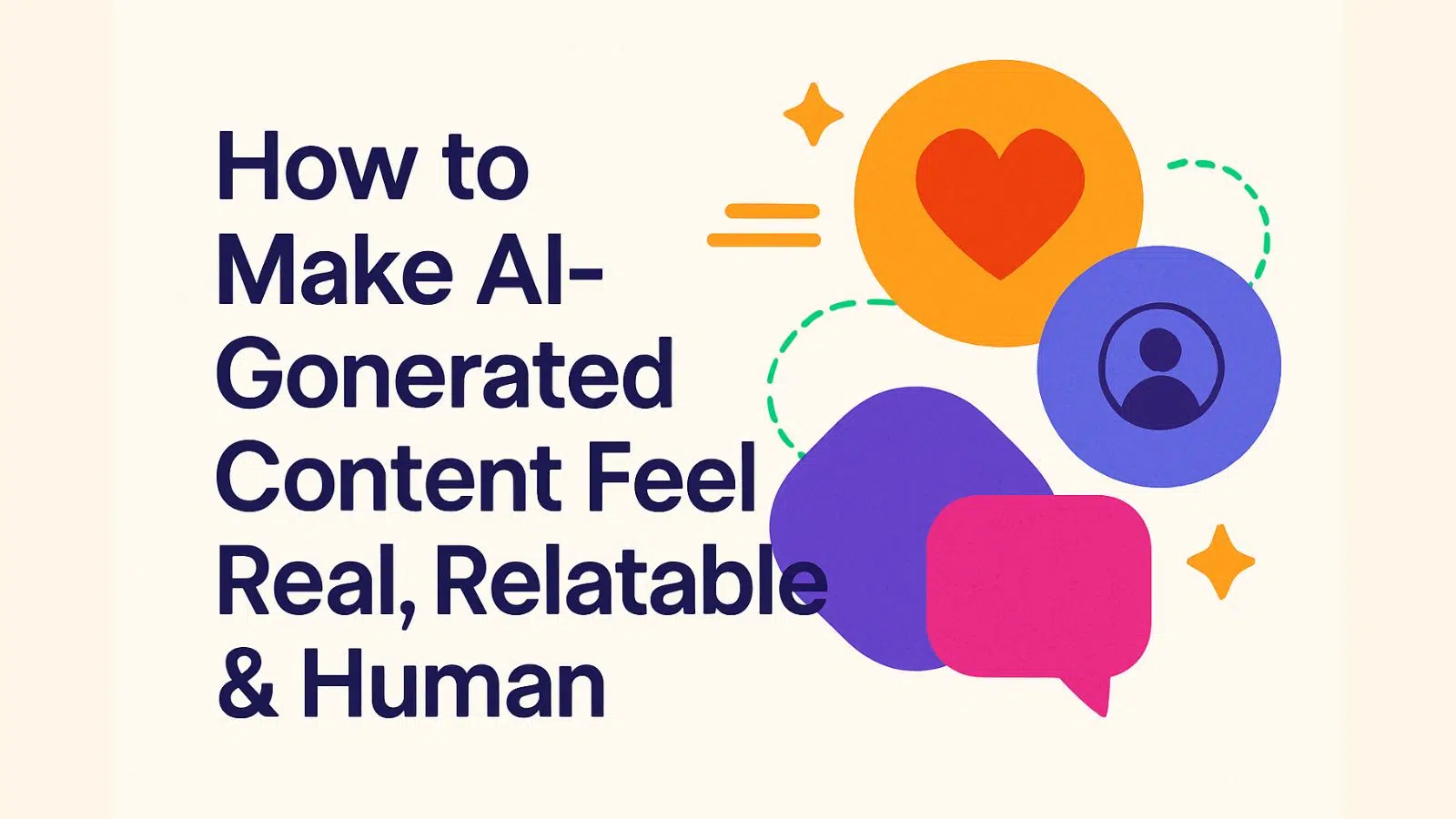
How to Make AI-Generated Content Feel Real, Relatable & Human: In a world increasingly shaped by artificial intelligence, the content we read, watch, and interact with is often created, assisted, or enhanced by machines. While AI writing tools have unlocked incredible efficiency and scalability for brands and marketers, there’s one crucial challenge: How do we make AI-generated content feel real, relatable, and human?
At SkySol Media, we believe that while AI can support the process, human emotion, creativity, and empathy must lead it. In this blog post, we’ll explore how to use AI content responsibly and effectively, while ensuring it remains engaging, ethical, and human-centered.
AI-generated content refers to text, images, audio, or video created with the assistance of artificial intelligence tools such as ChatGPT, Jasper AI, Copy.ai, or other generative models.
These tools can write blog posts, social media captions, emails, product descriptions, and more based on input prompts. While they can mimic human language well, their default output can sometimes feel mechanical or emotionless.
Read Also: SEO for Blog Posts: What Google Wants in 2025-26
AI lacks the lived experience that real humans draw upon to write with empathy, emotion, and depth. Without proper refinement, AI content may:
In 2025 and beyond, Google and audiences alike value authenticity and intent. According to Google’s E-E-A-T guidelines (Experience, Expertise, Authoritativeness, Trustworthiness), content that appears automated or misleading can hurt your rankings and damage credibility.
At SkySol Media, we’re committed to creating AI-assisted content that:
AI writes. Humans revise.
Once the AI drafts a blog post or article, a skilled editor must:
Inject personal insights, case studies, or anecdotes into the content. These give life to AI writing and build emotional resonance.
Whenever possible, insert a relevant brand experience, like a client success story, behind-the-scenes detail, or professional opinion.
AI tends to use perfect grammar and overly formal tone. Humans? We speak in rhythms, contractions, and conversational tones.
“One must ensure that all strategies are in alignment.”
With:
“Make sure your strategy actually lines up with your goals.”
AI doesn’t know your brand’s quirks or tone of voice—unless you teach it. Create a style guide that outlines:
Then prompt the AI accordingly and manually refine to keep your brand’s unique voice alive.
AI can “hallucinate”—generating incorrect facts or outdated data. At SkySol Media, we always:
People connect through images, faces, and videos. Enhance your AI-generated content with:
This transforms text into a multi-sensory experience that builds trust.
Wrap AI content with your own expert perspective. Add callouts like:
Let your human expertise frame the AI’s ideas, rather than present them as-is.
AI tools often over-optimize for keywords, which makes writing feel spammy. Google’s 2025 guidelines penalize content that’s:
Use AI tools like Surfer SEO or Yoast with care—and always make user value the priority.
Client: HealthTech Startup
Goal: Scale blog production for organic visibility
Strategy: Hybrid AI-human content system
Outcome:
AI content doesn’t have to feel robotic.
When guided by human creativity, ethical responsibility, and user-centered design, AI-generated content can be a powerful tool to scale your marketing—without losing your voice or values.
At SkySol Media, we help brands embrace AI without sacrificing humanity. Because in the end, it’s not about content that ranks—it’s about content that connects.

Don’t forget to share it

We’ll Design & Develop a Professional Website Tailored to Your Brand
Enjoy this post? Join our newsletter
Newsletter
Related Articles
How Many Blog Posts Do You Really Need in 2025 to Rank on Google?
How to Build a Real Business From Your Blog in 2025–26
Content Marketing Secrets: The Amazing 2025 Guide for WordPress
Content Marketing WordPress: The Amazing Ultimate Guide for 2025
Content Pillars: The Amazing Way to Boost WordPress SEO in 2025
WordPress SEO: The Ultimate Content Volume Guide for 2025
SkySol Media
We firmly believe that the internet should be available and accessible to anyone, and are committed to providing a website that is accessible to the widest possible audience, regardless of circumstance and ability.
To fulfill this, we aim to adhere as strictly as possible to the World Wide Web Consortium’s (W3C) Web Content Accessibility Guidelines 2.1 (WCAG 2.1) at the AA level. These guidelines explain how to make web content accessible to people with a wide array of disabilities. Complying with those guidelines helps us ensure that the website is accessible to all people: blind people, people with motor impairments, visual impairment, cognitive disabilities, and more.
This website utilizes various technologies that are meant to make it as accessible as possible at all times. We utilize an accessibility interface that allows persons with specific disabilities to adjust the website’s UI (user interface) and design it to their personal needs.
Additionally, the website utilizes an AI-based application that runs in the background and optimizes its accessibility level constantly. This application remediates the website’s HTML, adapts Its functionality and behavior for screen-readers used by the blind users, and for keyboard functions used by individuals with motor impairments.
If you’ve found a malfunction or have ideas for improvement, we’ll be happy to hear from you. You can reach out to the website’s operators by using the following email
Our website implements the ARIA attributes (Accessible Rich Internet Applications) technique, alongside various different behavioral changes, to ensure blind users visiting with screen-readers are able to read, comprehend, and enjoy the website’s functions. As soon as a user with a screen-reader enters your site, they immediately receive a prompt to enter the Screen-Reader Profile so they can browse and operate your site effectively. Here’s how our website covers some of the most important screen-reader requirements, alongside console screenshots of code examples:
Screen-reader optimization: we run a background process that learns the website’s components from top to bottom, to ensure ongoing compliance even when updating the website. In this process, we provide screen-readers with meaningful data using the ARIA set of attributes. For example, we provide accurate form labels; descriptions for actionable icons (social media icons, search icons, cart icons, etc.); validation guidance for form inputs; element roles such as buttons, menus, modal dialogues (popups), and others. Additionally, the background process scans all the website’s images and provides an accurate and meaningful image-object-recognition-based description as an ALT (alternate text) tag for images that are not described. It will also extract texts that are embedded within the image, using an OCR (optical character recognition) technology. To turn on screen-reader adjustments at any time, users need only to press the Alt+1 keyboard combination. Screen-reader users also get automatic announcements to turn the Screen-reader mode on as soon as they enter the website.
These adjustments are compatible with all popular screen readers, including JAWS and NVDA.
Keyboard navigation optimization: The background process also adjusts the website’s HTML, and adds various behaviors using JavaScript code to make the website operable by the keyboard. This includes the ability to navigate the website using the Tab and Shift+Tab keys, operate dropdowns with the arrow keys, close them with Esc, trigger buttons and links using the Enter key, navigate between radio and checkbox elements using the arrow keys, and fill them in with the Spacebar or Enter key.Additionally, keyboard users will find quick-navigation and content-skip menus, available at any time by clicking Alt+1, or as the first elements of the site while navigating with the keyboard. The background process also handles triggered popups by moving the keyboard focus towards them as soon as they appear, and not allow the focus drift outside it.
Users can also use shortcuts such as “M” (menus), “H” (headings), “F” (forms), “B” (buttons), and “G” (graphics) to jump to specific elements.
We aim to support the widest array of browsers and assistive technologies as possible, so our users can choose the best fitting tools for them, with as few limitations as possible. Therefore, we have worked very hard to be able to support all major systems that comprise over 95% of the user market share including Google Chrome, Mozilla Firefox, Apple Safari, Opera and Microsoft Edge, JAWS and NVDA (screen readers).
Despite our very best efforts to allow anybody to adjust the website to their needs. There may still be pages or sections that are not fully accessible, are in the process of becoming accessible, or are lacking an adequate technological solution to make them accessible. Still, we are continually improving our accessibility, adding, updating and improving its options and features, and developing and adopting new technologies. All this is meant to reach the optimal level of accessibility, following technological advancements. For any assistance, please reach out to