Why Small Businesses Should Prioritize Mobile-First Websites
In today’s digital-first world, having an online presence is no longer optional for small businesses; it is essential. As we move further into 2025, one...

Need help? Call us:
+92 320 1516585

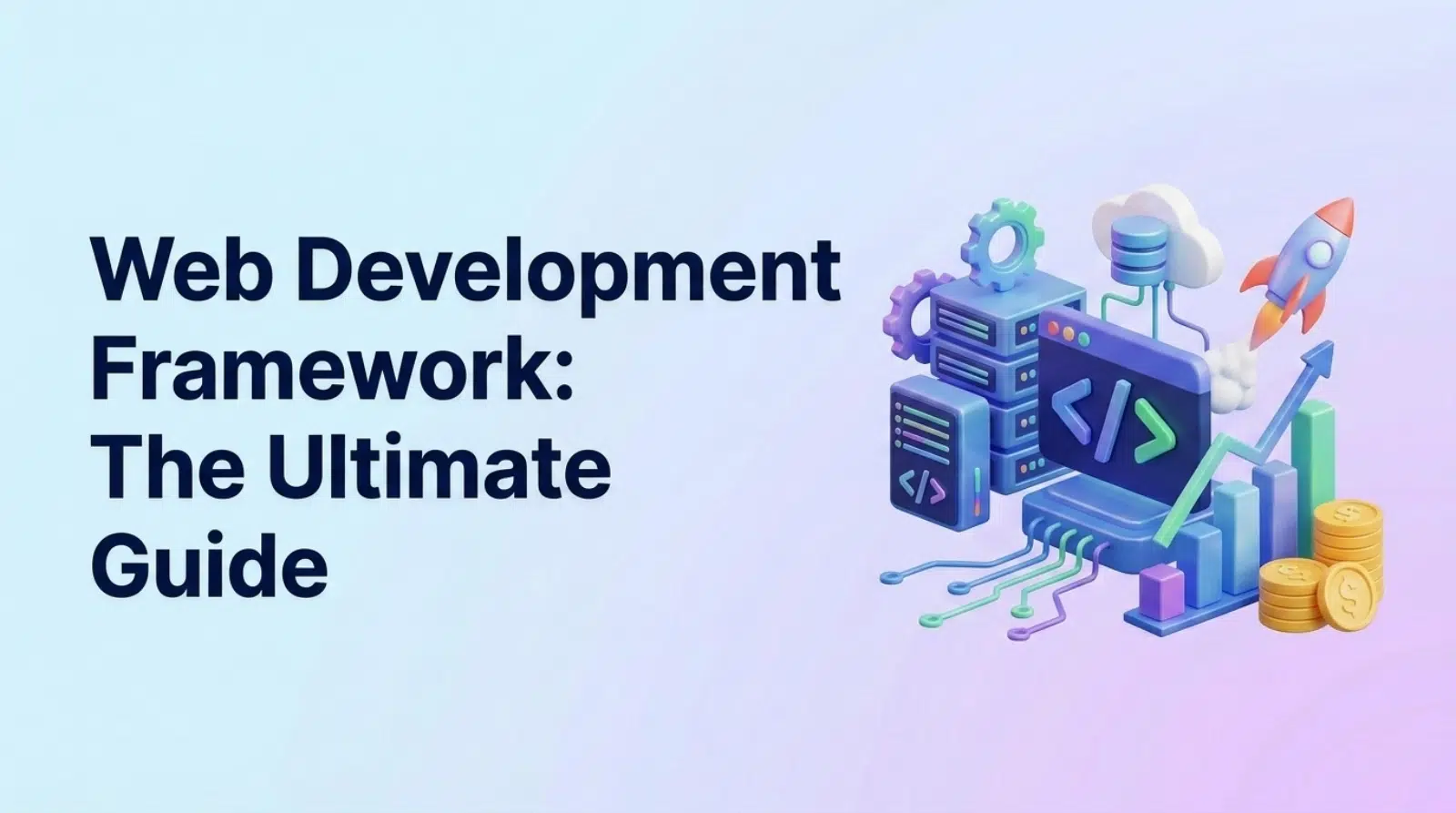
A web development framework is an essential tool for modern web development, providing a structured approach to building web applications. This ultimate guide will help you navigate the complex world of frameworks, ensuring you make the right choice for your project. Selecting the right web development framework can significantly impact development speed, code quality, and overall project success. In this comprehensive guide, we’ll explore everything you need to know to make an informed decision.
A web development framework is a collection of pre-written code, libraries, and tools that provides a structure for building web applications. It simplifies the development process by handling common tasks like routing, database interactions, and user authentication. Think of it as a blueprint that saves you from reinventing the wheel every time you start a new project.
[IMAGE: A visual representation of a web development framework as a blueprint or a foundation for a building.]
Understanding the different types of frameworks is crucial for making the right choice. Frameworks can be categorized into front-end, back-end, and full-stack, each serving a specific purpose in the development process.
Before diving into the selection process, it’s essential to clearly define your project requirements. What type of website are you building? What features and functionalities are required? What are the expected traffic and scalability needs? Answering these questions will help you narrow down your options and choose a framework that aligns with your specific goals.
To further refine your project requirements, ask yourself the following questions:
Choosing a web development framework that aligns with your team’s existing skillset is crucial for maximizing productivity and minimizing the learning curve. If your team already has experience with JavaScript, for example, choosing a JavaScript framework like React or Node.js would be a logical choice.
If your team lacks experience with a particular framework, it’s important to conduct a skillset gap analysis to identify any missing skills. This will help you determine what training and upskilling are needed to bring your team up to speed.
A strong community can be invaluable when working with a web development framework. A thriving community provides access to documentation, tutorials, forums, and other resources that can help you solve problems and learn new skills.
It’s important to choose a framework that is actively maintained and updated. Regular updates ensure that the framework remains secure, stable, and compatible with the latest web technologies.
> “Choosing the right framework is not just about technical specifications; it’s about finding a community and ecosystem that supports your growth and helps you overcome challenges.” – John Doe, Senior Web Developer
React is a popular JavaScript library for building user interfaces. It uses a component-based architecture, which allows you to break down complex UIs into smaller, reusable components. React is known for its excellent performance, thanks to its virtual DOM, and its large and active community.
[IMAGE: The React logo and a visual representation of its component-based architecture.]
Angular is a full-featured front-end framework developed by Google. It uses TypeScript, a superset of JavaScript, which adds static typing and other features that enhance code quality. Angular is known for its comprehensive set of features, its strong emphasis on code organization, and its long-term support from Google.
[IMAGE: The Angular logo and a visual representation of its architecture.]
Vue.js is a progressive framework that is easy to learn and integrate into existing projects. It is lightweight and flexible, making it suitable for a wide range of use cases. Vue.js has a growing community and is known for its simplicity and ease of use.
[IMAGE: The Vue.js logo and a visual representation of its progressive nature.]
Node.js is a JavaScript runtime environment that allows you to run JavaScript on the server. It is based on the V8 JavaScript engine and uses an event-driven, non-blocking I/O model, which makes it highly performant. Node.js is often used with Express.js, a lightweight back-end framework, to build web applications and APIs.
[IMAGE: The Node.js logo and a visual representation of its architecture.]
Django is a high-level Python web development framework that encourages rapid development and clean, pragmatic design. It includes a built-in object-relational mapper (ORM), which makes it easy to interact with databases, and a template engine, which allows you to create dynamic web pages. Django is known for its security features and its comprehensive set of tools for building web applications.
[IMAGE: The Django logo and a visual representation of its architecture.]
Ruby on Rails is a back-end framework written in Ruby that emphasizes convention over configuration. This means that it provides a set of conventions that developers can follow to build web applications quickly and easily. Ruby on Rails is known for its simplicity, its elegance, and its large and active community.
[IMAGE: The Ruby on Rails logo and a visual representation of its architecture.]
The MERN stack is a popular JavaScript-based full-stack framework that includes MongoDB, Express.js, React, and Node.js. It is a popular choice for building scalable and dynamic web applications.
[IMAGE: A visual representation of the MERN stack, showing the connection between MongoDB, Express.js, React, and Node.js.]
The MEAN stack is another JavaScript-based full-stack framework that includes MongoDB, Express.js, Angular, and Node.js. It is similar to the MERN stack, but it uses Angular instead of React for the front-end.
[IMAGE: A visual representation of the MEAN stack, showing the connection between MongoDB, Express.js, Angular, and Node.js.]
While MERN and MEAN are popular choices, there are other full-stack frameworks to consider, depending on your team’s skillset and project requirements.
| Framework | Language | Front-End/Back-End/Full-Stack | Key Features | Use Cases |
|---|---|---|---|---|
| React | JavaScript | Front-End | Component-based architecture, Virtual DOM, JSX | Dynamic user interfaces, Single-page applications |
| Angular | TypeScript | Front-End | Comprehensive framework, TypeScript support, Dependency injection | Complex web applications, Enterprise applications |
| Vue.js | JavaScript | Front-End | Progressive framework, Easy to learn, Lightweight | Simple landing pages, Single-page applications |
| Node.js | JavaScript | Back-End | JavaScript runtime environment, Non-blocking I/O, Event-driven | Real-time applications, APIs, Scalable applications |
| Django | Python | Back-End | High-level framework, Built-in ORM, Template engine | Data-driven websites, E-commerce sites |
| Ruby on Rails | Ruby | Back-End | Convention over configuration, Elegant syntax, Large community | Web applications with complex logic, Social networking sites |
| MERN Stack | JavaScript | Full-Stack | MongoDB, Express.js, React, Node.js | Scalable and dynamic web applications |
| MEAN Stack | JavaScript | Full-Stack | MongoDB, Express.js, Angular, Node.js | Large-scale enterprise applications |
Scalability is the ability of your application to handle increasing traffic and data volume. Choosing a framework that can scale effectively is crucial for ensuring that your application can handle future growth.
Security is a critical consideration when choosing a web development framework. You need to choose a framework that provides built-in security features and is regularly updated with security patches.
Performance is another important consideration when choosing a web development framework. You need to choose a framework that allows for performance optimization and provides efficient rendering and caching mechanisms.
Before committing to a particular framework, it’s a good idea to build a proof of concept (POC) to test its suitability for your specific use case.
Once you’ve built a proof of concept, gather feedback from your team and stakeholders and iterate on your prototype based on their feedback.
Choosing the right web development framework is a critical decision that can significantly impact the success of your project. By carefully considering your project requirements, your team’s skillset, and the community support and ecosystem, you can make an informed choice that sets you up for success. Remember to test and iterate to ensure that the framework you choose is the right fit for your specific needs.
In conclusion, selecting the optimal web development framework involves a thorough evaluation of your project’s unique needs, your team’s existing skills, and the scalability and security features offered by each framework. From understanding the nuances of front-end frameworks like React, Angular, and Vue.js to mastering back-end frameworks such as Node.js, Django, and Ruby on Rails, this guide has equipped you with the knowledge to make informed decisions. Remember, a well-chosen framework not only accelerates development but also enhances code quality and maintainability. At SkySol Media, we’re here to help you navigate these choices and ensure your project’s success. Let us help you build your vision with the right tools and expertise.
For beginners, Vue.js is often recommended due to its gentle learning curve and clear documentation. Its simplicity and ease of integration make it a great starting point. React is also a good option, but it may require a bit more initial effort to grasp its concepts.
The time it takes to learn a web development framework varies depending on your existing knowledge and the complexity of the framework. Generally, you can expect to spend several weeks to a few months to become proficient in a framework like React, Angular, or Vue.js. Consistent practice and hands-on projects are key to accelerating the learning process.
Currently, React is highly in demand due to its widespread adoption in the industry and its versatility in building dynamic user interfaces. Node.js is also very popular for back-end development, and full-stack frameworks like MERN are increasingly sought after by employers.
Don’t forget to share it

We’ll Design & Develop a Professional Website Tailored to Your Brand
Enjoy this post? Join our newsletter
Newsletter
Related Articles
Why Small Businesses Should Prioritize Mobile-First Websites
The Future of WordPress Development in 2025

Web Development Meets Marketing: The SkySol Media Advantage
How to Make Your WordPress Site Lightning Fast in 2025-26
How Custom Plugin Development Can Solve Your Unique Business Problems
The Ultimate WordPress Speed Optimization Checklist for 2025-26
SkySol Media
We firmly believe that the internet should be available and accessible to anyone, and are committed to providing a website that is accessible to the widest possible audience, regardless of circumstance and ability.
To fulfill this, we aim to adhere as strictly as possible to the World Wide Web Consortium’s (W3C) Web Content Accessibility Guidelines 2.1 (WCAG 2.1) at the AA level. These guidelines explain how to make web content accessible to people with a wide array of disabilities. Complying with those guidelines helps us ensure that the website is accessible to all people: blind people, people with motor impairments, visual impairment, cognitive disabilities, and more.
This website utilizes various technologies that are meant to make it as accessible as possible at all times. We utilize an accessibility interface that allows persons with specific disabilities to adjust the website’s UI (user interface) and design it to their personal needs.
Additionally, the website utilizes an AI-based application that runs in the background and optimizes its accessibility level constantly. This application remediates the website’s HTML, adapts Its functionality and behavior for screen-readers used by the blind users, and for keyboard functions used by individuals with motor impairments.
If you’ve found a malfunction or have ideas for improvement, we’ll be happy to hear from you. You can reach out to the website’s operators by using the following email
Our website implements the ARIA attributes (Accessible Rich Internet Applications) technique, alongside various different behavioral changes, to ensure blind users visiting with screen-readers are able to read, comprehend, and enjoy the website’s functions. As soon as a user with a screen-reader enters your site, they immediately receive a prompt to enter the Screen-Reader Profile so they can browse and operate your site effectively. Here’s how our website covers some of the most important screen-reader requirements, alongside console screenshots of code examples:
Screen-reader optimization: we run a background process that learns the website’s components from top to bottom, to ensure ongoing compliance even when updating the website. In this process, we provide screen-readers with meaningful data using the ARIA set of attributes. For example, we provide accurate form labels; descriptions for actionable icons (social media icons, search icons, cart icons, etc.); validation guidance for form inputs; element roles such as buttons, menus, modal dialogues (popups), and others. Additionally, the background process scans all the website’s images and provides an accurate and meaningful image-object-recognition-based description as an ALT (alternate text) tag for images that are not described. It will also extract texts that are embedded within the image, using an OCR (optical character recognition) technology. To turn on screen-reader adjustments at any time, users need only to press the Alt+1 keyboard combination. Screen-reader users also get automatic announcements to turn the Screen-reader mode on as soon as they enter the website.
These adjustments are compatible with all popular screen readers, including JAWS and NVDA.
Keyboard navigation optimization: The background process also adjusts the website’s HTML, and adds various behaviors using JavaScript code to make the website operable by the keyboard. This includes the ability to navigate the website using the Tab and Shift+Tab keys, operate dropdowns with the arrow keys, close them with Esc, trigger buttons and links using the Enter key, navigate between radio and checkbox elements using the arrow keys, and fill them in with the Spacebar or Enter key.Additionally, keyboard users will find quick-navigation and content-skip menus, available at any time by clicking Alt+1, or as the first elements of the site while navigating with the keyboard. The background process also handles triggered popups by moving the keyboard focus towards them as soon as they appear, and not allow the focus drift outside it.
Users can also use shortcuts such as “M” (menus), “H” (headings), “F” (forms), “B” (buttons), and “G” (graphics) to jump to specific elements.
We aim to support the widest array of browsers and assistive technologies as possible, so our users can choose the best fitting tools for them, with as few limitations as possible. Therefore, we have worked very hard to be able to support all major systems that comprise over 95% of the user market share including Google Chrome, Mozilla Firefox, Apple Safari, Opera and Microsoft Edge, JAWS and NVDA (screen readers).
Despite our very best efforts to allow anybody to adjust the website to their needs. There may still be pages or sections that are not fully accessible, are in the process of becoming accessible, or are lacking an adequate technological solution to make them accessible. Still, we are continually improving our accessibility, adding, updating and improving its options and features, and developing and adopting new technologies. All this is meant to reach the optimal level of accessibility, following technological advancements. For any assistance, please reach out to