Why Small Businesses Should Prioritize Mobile-First Websites
In today’s digital-first world, having an online presence is no longer optional for small businesses; it is essential. As we move further into 2025, one...

Need help? Call us:
+92 320 1516585

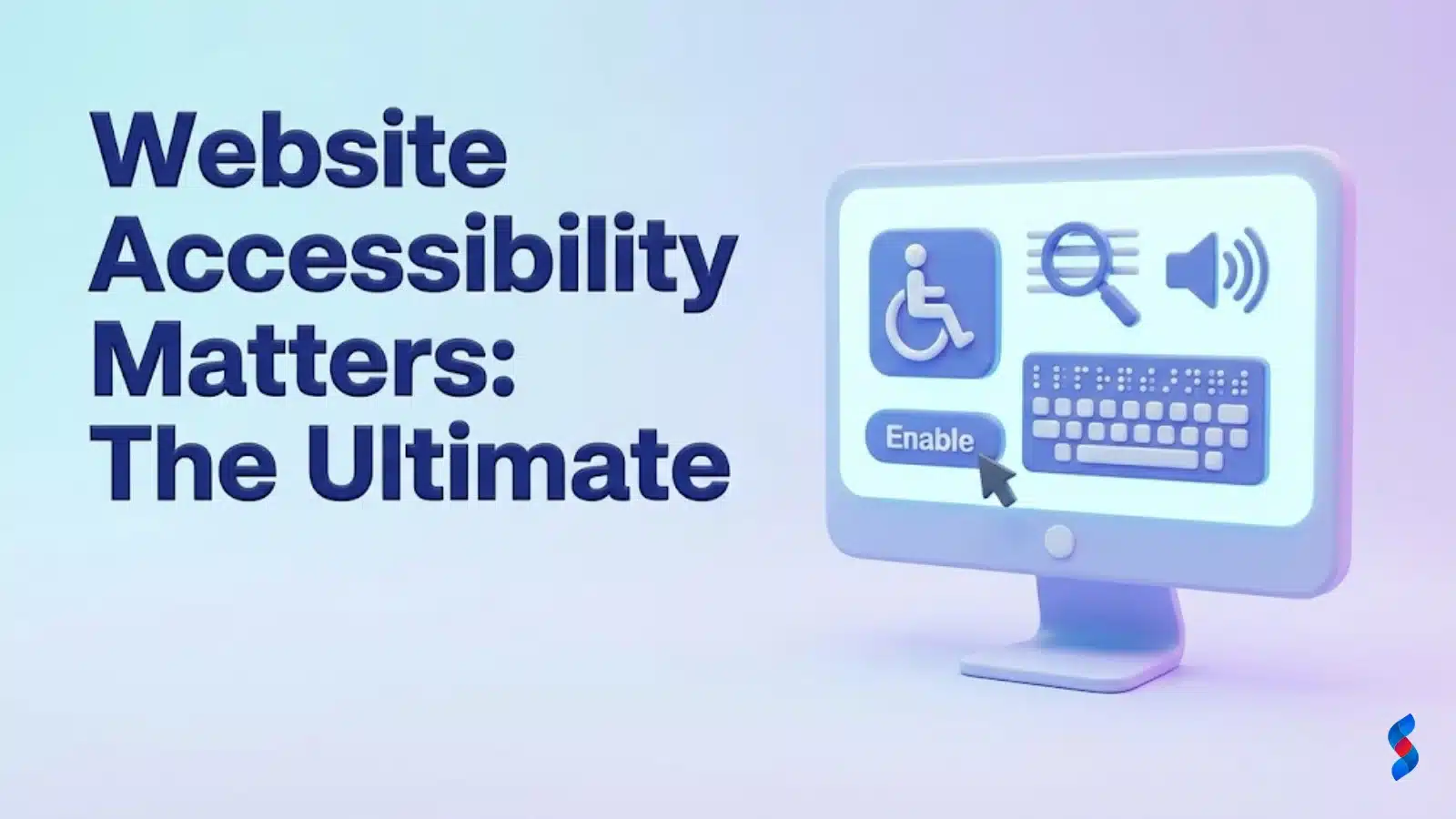
Why Website Accessibility Matters: An Introduction
Website accessibility matters because it ensures that everyone, regardless of their abilities or disabilities, can access and use the internet. At SkySol Media, we believe that creating inclusive digital experiences is not only a moral imperative but also a smart business strategy. In this comprehensive guide, we’ll delve into the core principles, legal requirements, and practical steps involved in making your website accessible.
What does it mean for a website to be accessible? Essentially, it means designing and developing your website in a way that people with disabilities can perceive, understand, navigate, and interact with it effectively. Website accessibility matters because it removes barriers that prevent individuals with disabilities from fully participating in the digital world.
Perceivable: Information and user interface components must be presentable to users in ways they can perceive. This includes providing text alternatives for images, captions for videos, and ensuring sufficient color contrast.
Operable: User interface components and navigation must be operable. This means making sure that all functionality is available from a keyboard, providing enough time for users to read and use content, and avoiding content that flashes more than three times per second.
Understandable: Information and the operation of the user interface must be understandable. This involves using clear and concise language, providing predictable navigation, and helping users avoid and correct mistakes.
Robust: Content must be robust enough that it can be interpreted reliably by a wide variety of user agents, including assistive technologies. This means using valid HTML and CSS, and following accessibility standards.
Website accessibility matters because it’s about ensuring equal access to information and services for everyone. Excluding people with disabilities from the digital world is not only unethical but also limits their opportunities and participation in society.
Website accessibility matters because it’s often a legal requirement. Several laws and regulations mandate accessibility, and non-compliance can lead to significant legal consequences.
Website accessibility matters not only for ethical and legal reasons but also for sound business reasons. An accessible website can expand your audience, improve your SEO, and enhance your brand reputation.
“Accessibility is not a feature; it’s a fundamental requirement.” – Tim Berners-Lee
To create truly accessible websites, it’s important to understand the diverse needs of people with different types of disabilities. This knowledge will inform your design and development decisions and help you create a more inclusive user experience.
Making your website accessible doesn’t have to be overwhelming. By following these practical steps, you can make significant improvements to your website’s accessibility and create a more inclusive user experience.
Regular accessibility testing is essential to ensure that your website remains accessible over time. There are a variety of tools and techniques available to help you test your website’s accessibility.
There are many misconceptions about website accessibility. Let’s debunk some of the most common myths.
Let’s explore some examples of websites that have successfully prioritized website accessibility, and highlight the positive impact of these efforts.
The field of website accessibility is constantly evolving. Let’s explore some of the emerging trends and technologies that are shaping the future of accessibility.
There are many valuable resources available to help you learn more about website accessibility. Here are some of the most helpful:
| Resource | Description | Link |
|---|---|---|
| W3C Web Accessibility Initiative (WAI) | Provides standards, guidelines, and resources on web accessibility. | https://www.w3.org/WAI/ |
| WebAIM (Web Accessibility In Mind) | Offers accessibility training, consulting, and resources. | https://webaim.org/ |
| Deque University | Provides accessibility training courses and certifications. | https://www.deque.com/university/ |
| Accessibility Developer Guide | A guide for developers on how to build accessible websites. | https://www.accessibility-developer-guide.com/ |
| Section 508.gov | Information on Section 508 standards for government websites. | https://www.section508.gov/ |
In conclusion, website accessibility matters for ethical, legal, and business reasons. By prioritizing accessibility, you can create a more inclusive and equitable online environment for everyone, expand your reach to a wider audience, improve your SEO, enhance your brand reputation, and reduce your legal risks.
We at SkySol Media believe that digital accessibility is not just a best practice; it’s a fundamental responsibility. By following the guidelines and recommendations outlined in this guide, you can make a significant difference in the lives of people with disabilities and create a better web for all.
Q: What is website accessibility?
A: Website accessibility refers to the practice of designing and developing websites that are usable by people with disabilities. This includes people with visual, auditory, motor, and cognitive impairments. An accessible website is one that can be perceived, understood, navigated, and interacted with by everyone.
Q: Why is website accessibility important?
A: Website accessibility matters because it ensures that everyone has equal access to information and services online. It is also a legal requirement in many countries and can improve your SEO, enhance your brand reputation, and reduce your legal risks.
Q: What are the key principles of website accessibility?
A: The key principles of web accessibility are Perceivable, Operable, Understandable, and Robust (POUR). These principles provide a framework for creating accessible websites.
Q: What are the WCAG guidelines?
A: The Web Content Accessibility Guidelines (WCAG) are internationally recognized standards for website accessibility. They provide a comprehensive set of guidelines for making web content more accessible to people with disabilities.
Q: How can I test my website’s accessibility?
A: There are a variety of tools and techniques available to help you test your website’s accessibility. These include automated testing tools, manual testing methods, and usability testing with people with disabilities. Regular accessibility testing is essential to ensure that your website remains accessible over time.
Q: What is alternative text (alt text)?
A: Alternative text (alt text) is a short description of an image that is displayed when the image cannot be loaded or when a user is using a screen reader. Alt text should accurately describe the content and purpose of the image.
Q: What is ARIA?
A: ARIA (Accessible Rich Internet Applications) is a set of attributes that can be added to HTML elements to provide additional information about their role, state, and properties. ARIA can be used to make dynamic content, such as JavaScript widgets, more accessible to assistive technologies.
Q: How can inclusive design improve accessibility?
A: Inclusive design focuses on creating products and services that are usable by as many people as possible, regardless of their abilities or disabilities. By considering the needs of diverse users from the outset, inclusive design can help to improve the web accessibility of websites and other digital content.
Q: What is digital accessibility?
A: Digital accessibility encompasses all aspects of making digital content and technologies accessible to people with disabilities. This includes websites, software, mobile apps, and other digital media. Digital accessibility is essential for ensuring that everyone can participate fully in the digital world.
Q: How does assistive technology work with accessible websites?
A: Assistive technology such as screen readers, screen magnifiers, and voice recognition software allows people with disabilities to access and interact with websites and other digital content. Accessible websites are designed to work seamlessly with assistive technology, providing users with a positive and inclusive experience.
Q: What are the legal implications of neglecting website accessibility?
A: Neglecting website accessibility can lead to legal consequences, including lawsuits and fines. Many countries have laws and regulations that mandate accessibility, and organizations that fail to comply with these laws can face legal action. In the US, the ADA has been interpreted to include website accessibility.
Q: How can SkySol Media help with website accessibility?
A: SkySol Media offers a range of accessibility services, including accessibility audits, remediation, training, and consulting. We can help you assess your website’s accessibility, identify areas for improvement, and implement solutions to make your website more inclusive and accessible to everyone. Our expertise extends to ADA compliance and understanding of WCAG guidelines.
Don’t forget to share it

We’ll Design & Develop a Professional Website Tailored to Your Brand
Enjoy this post? Join our newsletter
Newsletter
Related Articles
Why Small Businesses Should Prioritize Mobile-First Websites
The Future of WordPress Development in 2025

Web Development Meets Marketing: The SkySol Media Advantage
How to Make Your WordPress Site Lightning Fast in 2025-26
How Custom Plugin Development Can Solve Your Unique Business Problems
The Ultimate WordPress Speed Optimization Checklist for 2025-26
SkySol Media
We firmly believe that the internet should be available and accessible to anyone, and are committed to providing a website that is accessible to the widest possible audience, regardless of circumstance and ability.
To fulfill this, we aim to adhere as strictly as possible to the World Wide Web Consortium’s (W3C) Web Content Accessibility Guidelines 2.1 (WCAG 2.1) at the AA level. These guidelines explain how to make web content accessible to people with a wide array of disabilities. Complying with those guidelines helps us ensure that the website is accessible to all people: blind people, people with motor impairments, visual impairment, cognitive disabilities, and more.
This website utilizes various technologies that are meant to make it as accessible as possible at all times. We utilize an accessibility interface that allows persons with specific disabilities to adjust the website’s UI (user interface) and design it to their personal needs.
Additionally, the website utilizes an AI-based application that runs in the background and optimizes its accessibility level constantly. This application remediates the website’s HTML, adapts Its functionality and behavior for screen-readers used by the blind users, and for keyboard functions used by individuals with motor impairments.
If you’ve found a malfunction or have ideas for improvement, we’ll be happy to hear from you. You can reach out to the website’s operators by using the following email
Our website implements the ARIA attributes (Accessible Rich Internet Applications) technique, alongside various different behavioral changes, to ensure blind users visiting with screen-readers are able to read, comprehend, and enjoy the website’s functions. As soon as a user with a screen-reader enters your site, they immediately receive a prompt to enter the Screen-Reader Profile so they can browse and operate your site effectively. Here’s how our website covers some of the most important screen-reader requirements, alongside console screenshots of code examples:
Screen-reader optimization: we run a background process that learns the website’s components from top to bottom, to ensure ongoing compliance even when updating the website. In this process, we provide screen-readers with meaningful data using the ARIA set of attributes. For example, we provide accurate form labels; descriptions for actionable icons (social media icons, search icons, cart icons, etc.); validation guidance for form inputs; element roles such as buttons, menus, modal dialogues (popups), and others. Additionally, the background process scans all the website’s images and provides an accurate and meaningful image-object-recognition-based description as an ALT (alternate text) tag for images that are not described. It will also extract texts that are embedded within the image, using an OCR (optical character recognition) technology. To turn on screen-reader adjustments at any time, users need only to press the Alt+1 keyboard combination. Screen-reader users also get automatic announcements to turn the Screen-reader mode on as soon as they enter the website.
These adjustments are compatible with all popular screen readers, including JAWS and NVDA.
Keyboard navigation optimization: The background process also adjusts the website’s HTML, and adds various behaviors using JavaScript code to make the website operable by the keyboard. This includes the ability to navigate the website using the Tab and Shift+Tab keys, operate dropdowns with the arrow keys, close them with Esc, trigger buttons and links using the Enter key, navigate between radio and checkbox elements using the arrow keys, and fill them in with the Spacebar or Enter key.Additionally, keyboard users will find quick-navigation and content-skip menus, available at any time by clicking Alt+1, or as the first elements of the site while navigating with the keyboard. The background process also handles triggered popups by moving the keyboard focus towards them as soon as they appear, and not allow the focus drift outside it.
Users can also use shortcuts such as “M” (menus), “H” (headings), “F” (forms), “B” (buttons), and “G” (graphics) to jump to specific elements.
We aim to support the widest array of browsers and assistive technologies as possible, so our users can choose the best fitting tools for them, with as few limitations as possible. Therefore, we have worked very hard to be able to support all major systems that comprise over 95% of the user market share including Google Chrome, Mozilla Firefox, Apple Safari, Opera and Microsoft Edge, JAWS and NVDA (screen readers).
Despite our very best efforts to allow anybody to adjust the website to their needs. There may still be pages or sections that are not fully accessible, are in the process of becoming accessible, or are lacking an adequate technological solution to make them accessible. Still, we are continually improving our accessibility, adding, updating and improving its options and features, and developing and adopting new technologies. All this is meant to reach the optimal level of accessibility, following technological advancements. For any assistance, please reach out to